
How to fix Microsoft Store download not working is a common Windows frustration—especially when apps are stuck on “Pending” or refuse to start at all. In 2026, Microsoft Store relies on several background services, account syncs, and cache systems. When one piece breaks, downloads quietly fail.
The fix is usually simple once you target the right layer.
This article is for general informational purposes only. It does not provide professional IT, security, or legal advice. Results may vary depending on Windows version and system configuration.
Why Microsoft Store downloads suddenly stop
When downloads won’t start or freeze, it’s rarely the app itself. The issue usually comes from cached data, stopped services, or account sync errors.
For example, a remote worker in California found every download stuck at 0% after a Windows update. The Store wasn’t broken—the Background Intelligent Transfer Service had stopped running.
Understanding what the Store depends on makes fixes faster.

Start with the fastest fixes first
Before changing deeper settings, clear the most common blockers.
Restart your PC. This resets stuck services and clears pending updates that often interfere with downloads.
Next, sign out of the Microsoft Store and sign back in. Account sync errors frequently prevent downloads without showing an error message.
If you maintain a Windows troubleshooting guide on your site, internal linking fits naturally here.
Reset the Microsoft Store cache
A corrupted cache is one of the most frequent causes.
Use the built-in reset:
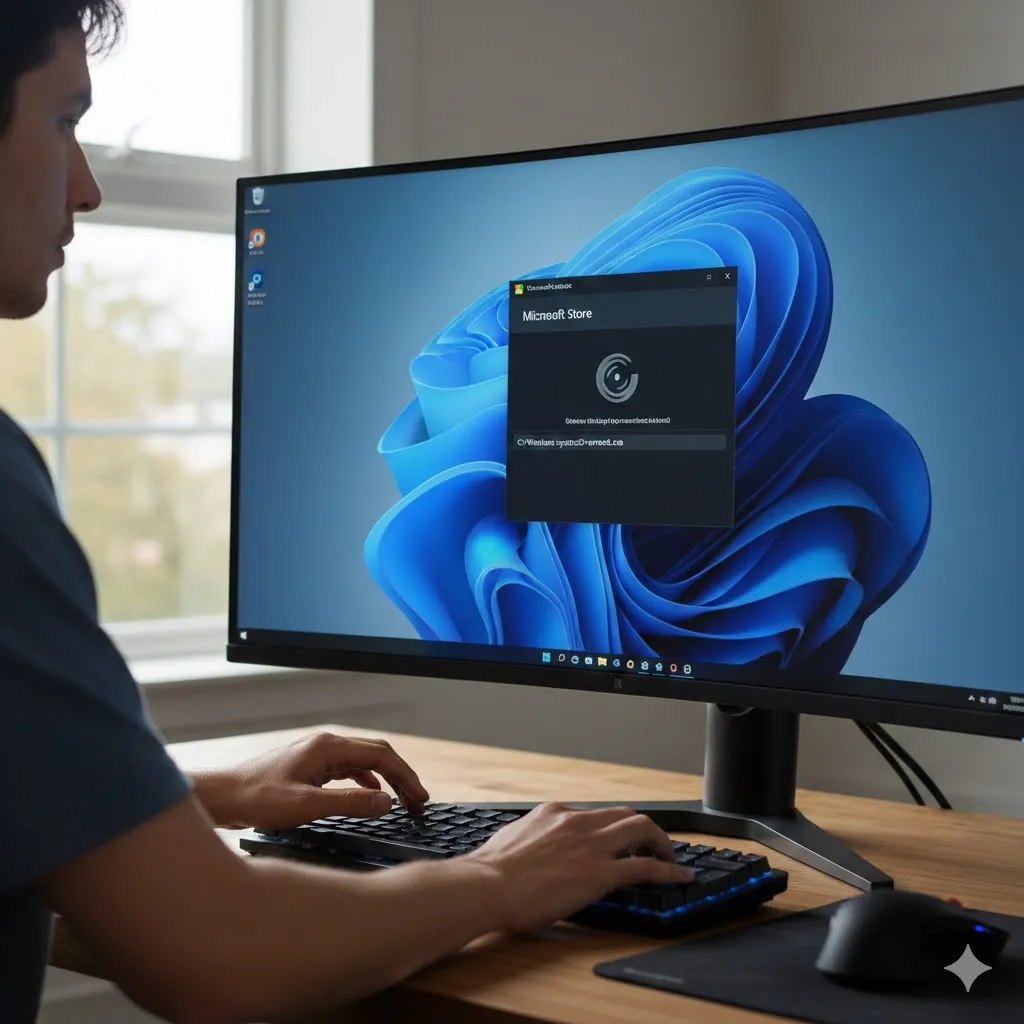
- Press Win + R
- Type wsreset
- Press Enter
A blank command window will appear, then the Microsoft Store will reopen automatically. A student in Arizona resolved weeks of failed downloads with this single step.
Check required Windows services
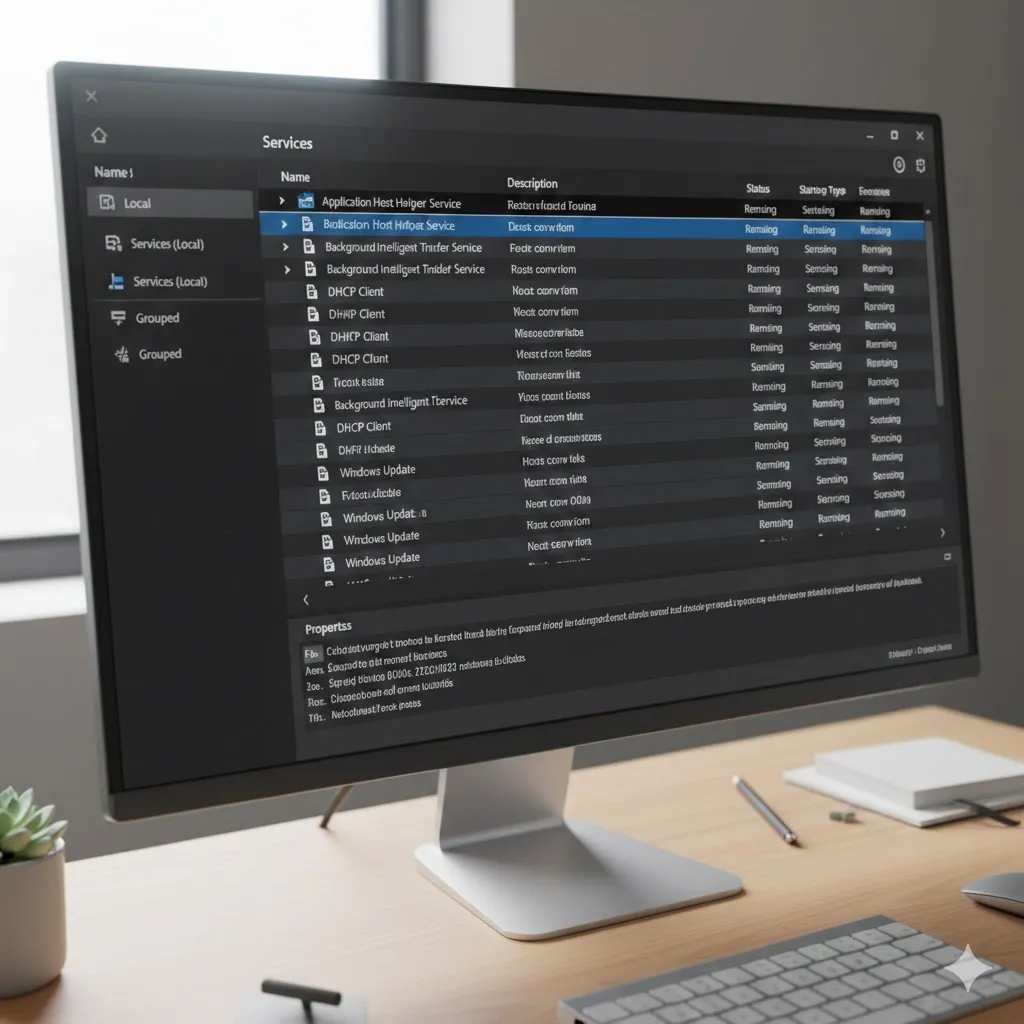
Microsoft Store depends on background services that must be running.
Key services include:
- Background Intelligent Transfer Service (BITS)
- Windows Update
- Microsoft Store Install Service
If any are stopped or disabled, downloads may stall indefinitely. This step is often covered in internal Windows services guides and fits well for deeper readers.
Compare the most effective fixes
Different symptoms point to different solutions. This comparison helps narrow things down quickly.
| Issue Symptom | Most Effective Fix | Difficulty | Risk |
|---|---|---|---|
| Stuck on “Pending” | Sign out / sign in | Easy | Low |
| Download won’t start | Reset Store cache | Easy | Low |
| Downloads stop mid-way | Restart BITS service | Medium | Low |
| Error codes appear | Windows Update repair | Medium | Low |
Pro Insight
Most Microsoft Store issues appear after Windows updates—not because of bugs, but because services don’t restart cleanly. Checking services saves more time than reinstalling apps.
Quick Tip
Avoid third-party “Store fix” tools. Built-in Windows repair tools are safer and usually more effective.
Repair Windows Update components
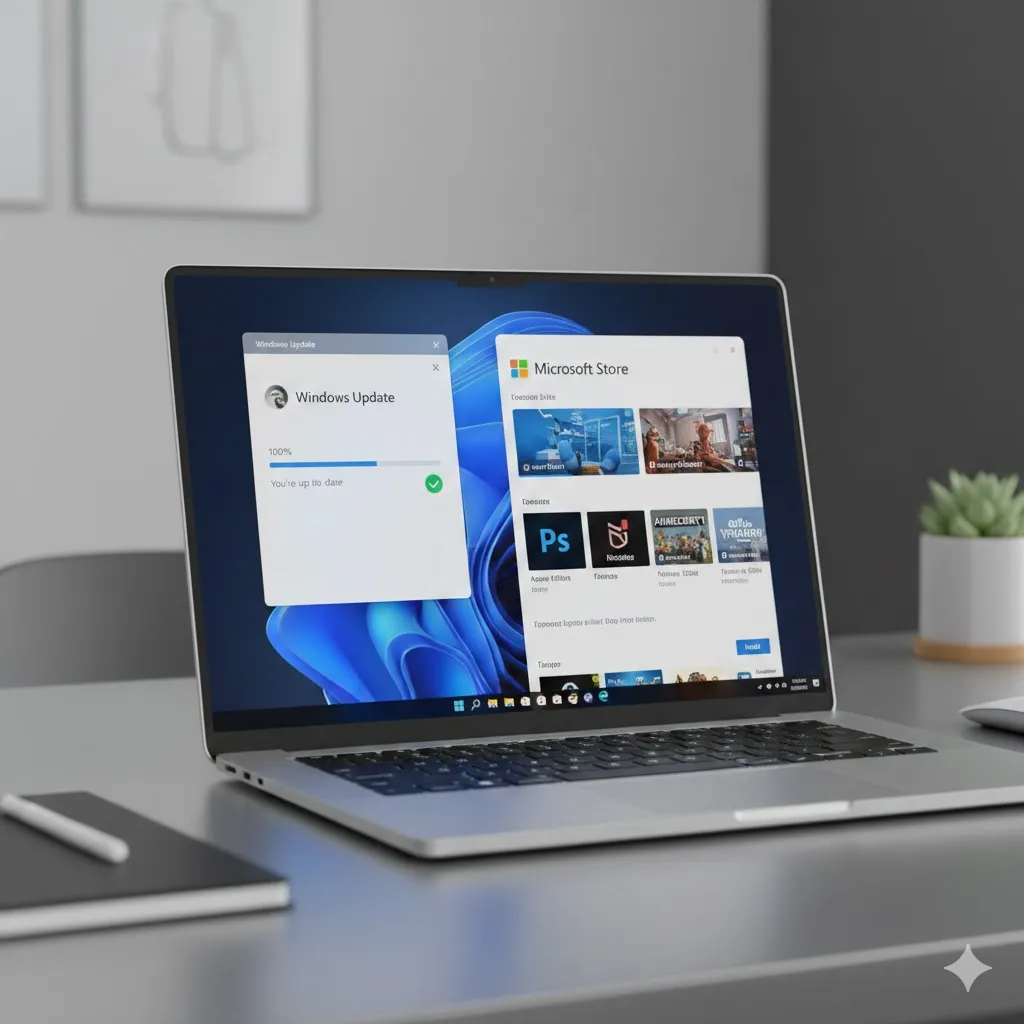
Microsoft Store shares infrastructure with Windows Update. If updates are broken, Store downloads often fail too.
Check for pending Windows updates and install them fully. A finance analyst in New York fixed Store downloads instantly after completing a stalled cumulative update.
This is also where internal links to Windows Update repair content fit naturally.
FAQs
Why are Microsoft Store downloads stuck on pending?
Usually due to account sync issues, stopped services, or cached data corruption.
Does resetting Microsoft Store delete apps?
No. Resetting clears cache and settings but does not remove installed apps.
Can antivirus software block Microsoft Store downloads?
Yes. Some security tools interfere with Store services.
Do Microsoft Store problems affect Windows updates?
Yes. They share background services and infrastructure.
Should I reinstall Windows to fix the Store?
Almost never. Store issues are usually service- or cache-related.
Conclusion
Learning how to fix Microsoft Store download not working comes down to targeting services, cache, and account sync—not reinstalling everything. When those components align, downloads usually resume immediately, saving time and frustration.
Trusted U.S. Resources
- Microsoft Support: https://support.microsoft.com
- Microsoft Learn – Windows Troubleshooting: https://learn.microsoft.com
- CISA Cyber Safety Guidance: https://www.cisa.gov