
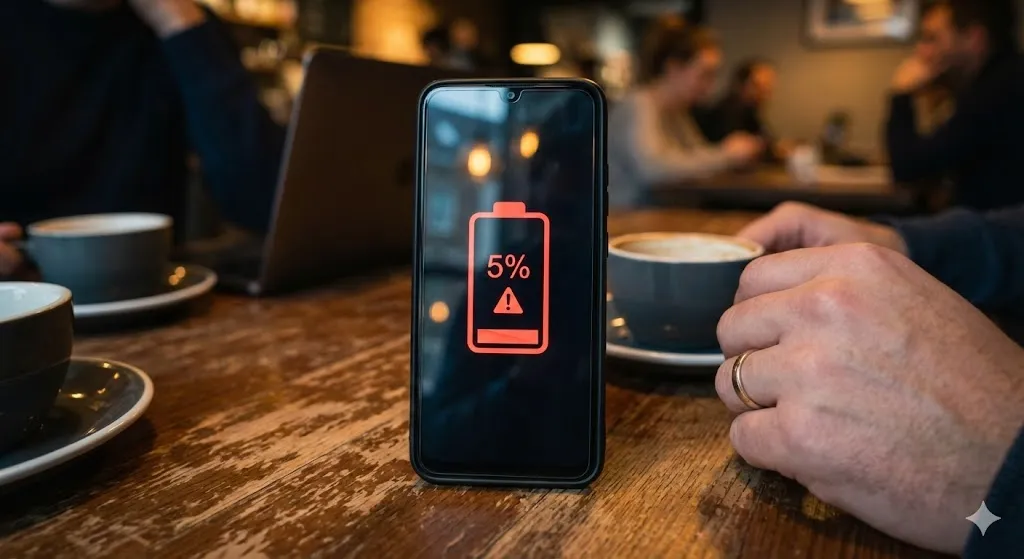
You unplug your phone at 100% in the morning. By lunchtime, you check it, and it’s already down to 35%. You haven’t even played games or watched movies.
“Where did all my power go?”
Living tethered to a wall charger or carrying a heavy power bank everywhere is annoying. While all batteries degrade over time, a sudden drop in battery life is usually caused by a “rogue app” running in the background or a system setting that is sucking the juice out of your phone.
In this guide, I will help you identify the battery vampires and show you how to optimize your Android for all-day power.
Method 1: Check Battery Usage (Find the Vampire)
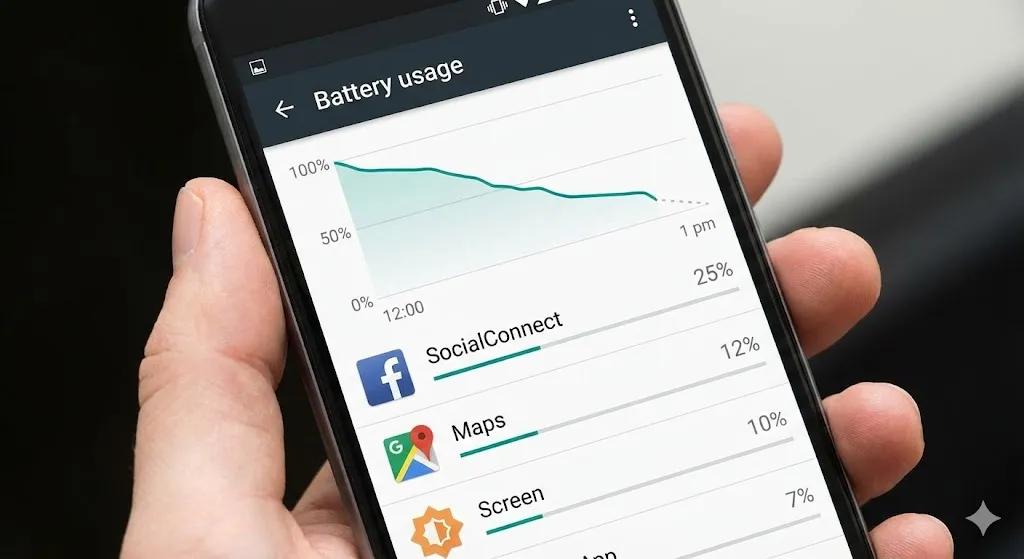
Android has a built-in detective that tells you exactly who is stealing your power.
- Go to Settings > Battery and device care > Battery.
- Tap on the usage graph or View details.
- Look at the list of apps.
- The Red Flag: If an app like Facebook or TikTok is using 20% of your battery but you only used it for 5 minutes, that app is glitching in the background.
- Click on that app and select Limit usage or Put to sleep.
Method 2: Adjust Screen Settings (The Biggest Consumer)
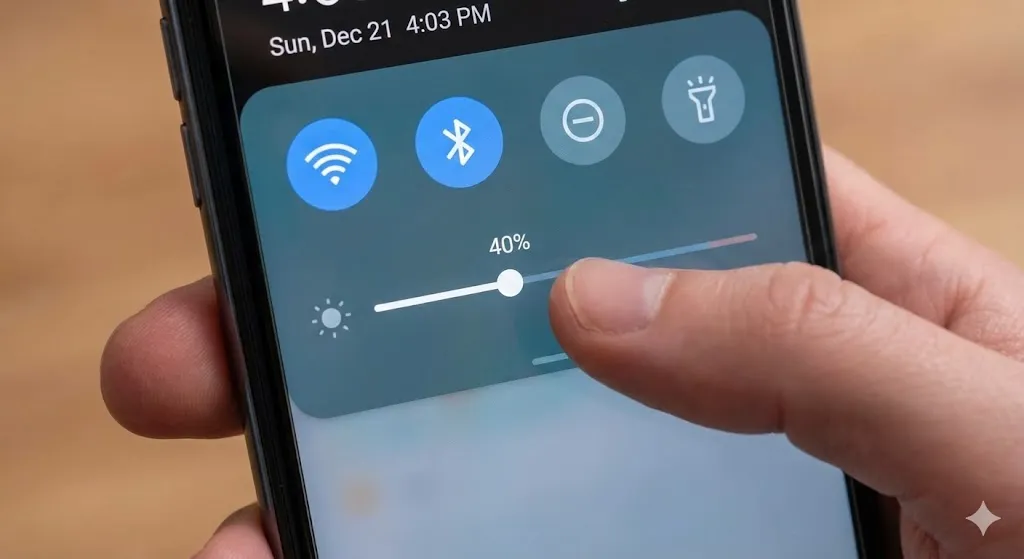
Your screen is the #1 power consumer on any smartphone. High brightness and high refresh rates eat battery for breakfast.
- Brightness: Turn off “Adaptive Brightness” if it’s too aggressive, and keep your slider around 40-50% indoors.
- Screen Timeout: Go to Settings > Display > Screen timeout. Set it to 30 seconds or 15 seconds. If you leave it at 5 minutes, your screen stays on in your pocket, wasting power.
- Refresh Rate: If you don’t need 120Hz smoothness all day, switch to Standard (60Hz) in Motion Smoothness settings to save huge amounts of battery.
[🖼️ Insert Image 2 Here]
Method 3: Put Unused Apps to Deep Sleep (Samsung Feature)
Samsung phones have a brilliant feature that freezes apps you don’t use often.
- Go to Settings > Battery and device care > Battery.
- Tap Background usage limits.
- Tap Deep sleeping apps.
- Tap the + icon and add apps you rarely use (like food delivery or airline apps).
- These apps will now never run in the background unless you open them.
Method 4: Turn Off 5G (If Signal is Weak)
5G is fast, but it consumes significantly more power than 4G LTE. If you are in an area with spotty 5G coverage, your phone’s modem works overtime trying to find a signal.
- Go to Settings > Connections > Mobile networks.
- Tap Network mode.
- Switch from 5G/LTE/3G/2G to LTE/3G/2G.
- You will barely notice a speed difference, but your battery will thank you.
Method 5: Wipe Cache Partition
Just like with the “Camera Failed” error, corrupted system files can cause the Android system to overheat and drain the battery.
- Turn off your phone.
- Connect to a PC via USB.
- Hold Volume Up + Power to enter Recovery Mode.
- Select Wipe cache partition > Yes.
- Reboot. This often fixes sudden battery drain after a software update.
[🖼️ Insert Image 3 Here]
Frequently Asked Questions (FAQ)
Q: Should I let my battery drain to 0% before charging? A: No! Modern Lithium-Ion batteries hate reaching 0%. It stresses the chemical structure. Try to keep your battery between 20% and 80% for the best lifespan.
Q: Is “Fast Charging” bad for my battery? A: Generally, no. But it does generate heat. If your phone gets very hot while charging, remove the case to let it breathe. Heat is the real enemy, not the speed.
Q: How much does a battery replacement cost? A: If your phone is 2-3 years old, the battery might be physically worn out. A replacement usually costs $50 – $80 at an official service center, which is cheaper than buying a new phone.
Conclusion
You shouldn’t have to carry a charger everywhere you go. By identifying rogue apps (Method 1) and putting them to sleep (Method 3), you can easily get a few extra hours of screen time.
Stop the drain and enjoy your phone all day long!
Which app was using the most battery on your phone? Was it Instagram or Google Maps? Let me know in the comments!