Laptop Keyboard Not Working? 5 Ways to Fix It (2026)

You open your laptop to finish an urgent report or chat with a friend. You start typing, but the screen stays blank. You hit the keys harder, but still nothing. Or maybe you press “A” and it types “Aaaaaa,” or press the Spacebar and nothing happens. “Did I break my keyboard?” Before you panic and … Read more
How to Fix “DPC_WATCHDOG_VIOLATION” Blue Screen Error (2026)

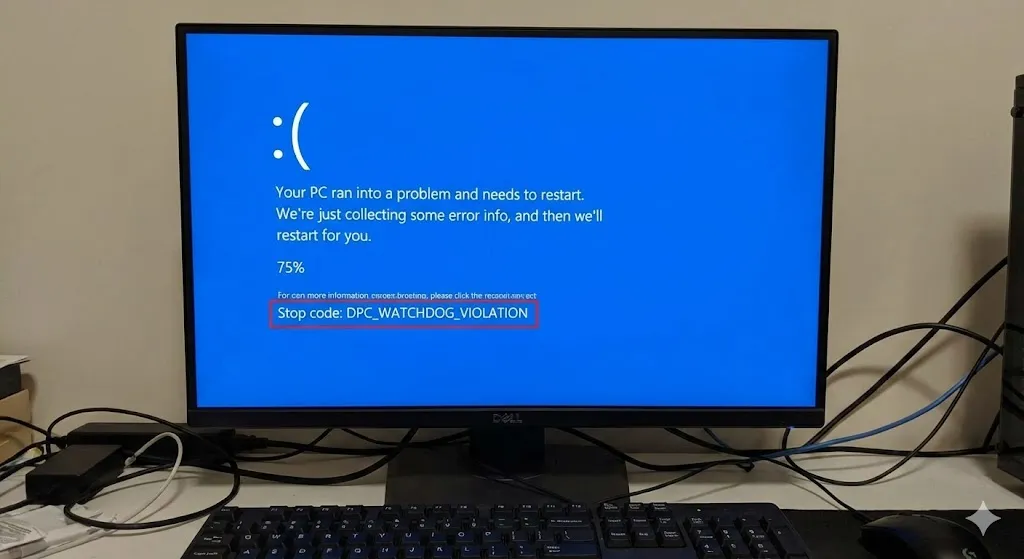
You are working on your PC or playing a game, and suddenly everything freezes. The mouse stops moving, the audio buzzes, and then—boom. The Blue Screen of Death (BSOD) appears with a long, scary error code: Stop Code: DPC_WATCHDOG_VIOLATION It sounds serious, doesn’t it? “Watchdog Violation” sounds like you broke a law. But don’t panic. … Read more

Computer Won’t Wake Up From Sleep? 5 Fixes for Windows (2026)

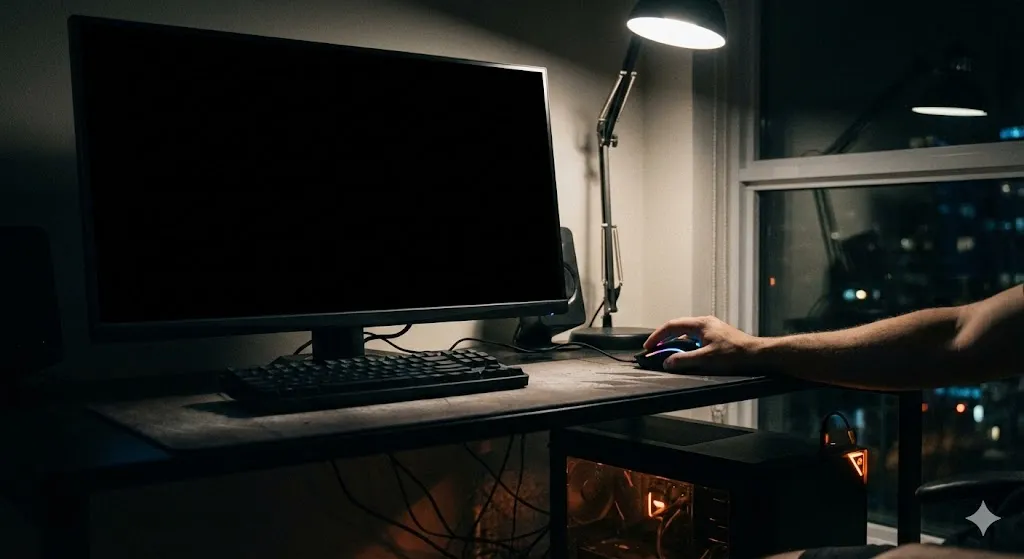
You stepped away for a coffee, and your computer went to sleep to save power. You come back, wiggle the mouse, tap the spacebar… and nothing. The power light is blinking, the fans are spinning, but the screen remains pitch black. “Is my computer dead?” This “Sleep of Death” is a very common bug in … Read more

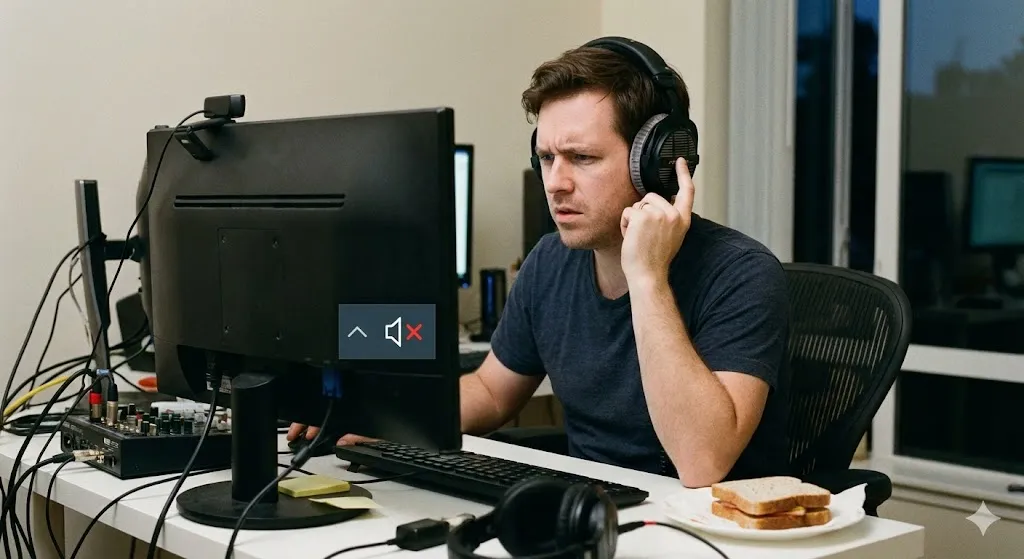
Microphone Not Working on Windows? 5 Easy Fixes (2026)

Introduction You join an important Zoom meeting or a Discord channel with friends. You start talking, but everyone keeps saying: “We can’t hear you. Are you muted?” You check your headset—the mute button is off. You shout into the mic—still nothing. The green bar in the sound settings isn’t moving at all. This is a … Read more

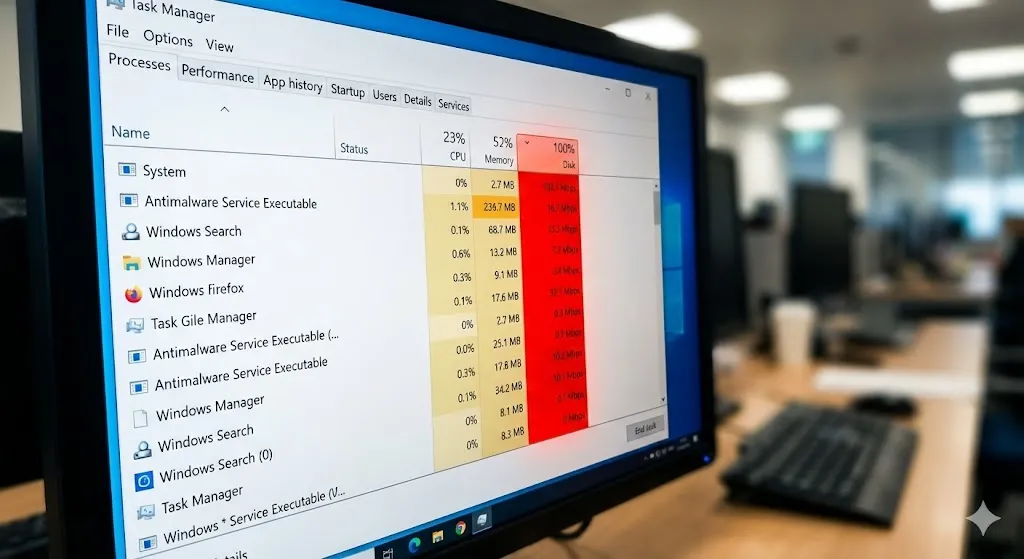
Task Manager Shows 100% Disk Usage? 5 Ways to Fix It (2026)

Is your computer running incredibly slow? You open Task Manager to check what’s wrong, and you see the “Disk” column highlighted in angry red, sitting at 100%. But here’s the weird part: you aren’t even downloading anything or copying files. Your PC is doing nothing, yet the hard drive is working at maximum capacity. “Why … Read more

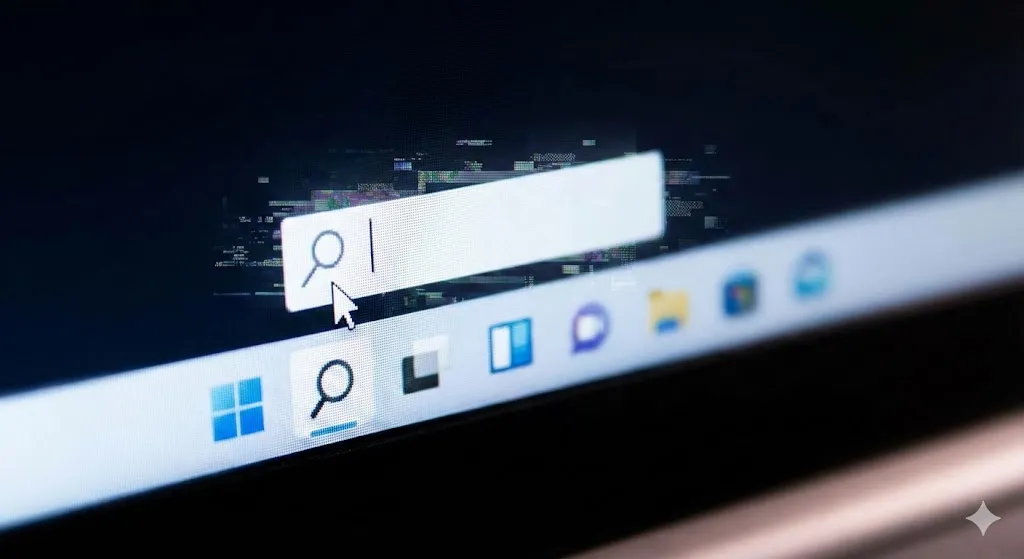
Can’t Type in Windows Search? 5 Ways to Fix It (2026)

Windows search bar not working and unable to type text.

You click the magnifying glass icon or the Start button, ready to launch an app or find a file. You start typing, but… nothing happens. The cursor blinks, but no letters appear. Or worse, the search box doesn’t open at all. “Why is my Windows Search broken?” This is one of the most annoying bugs … Read more

Headphones Plugged In But No Sound? 5 Fixes for Windows

You just bought a nice pair of headphones. You plug them into the jack on your laptop or PC case, load up Spotify or a game, and… silence. Or worse, the sound continues to blast out of your computer speakers, annoying everyone in the room, even though the headphones are firmly plugged in. “Why is … Read more

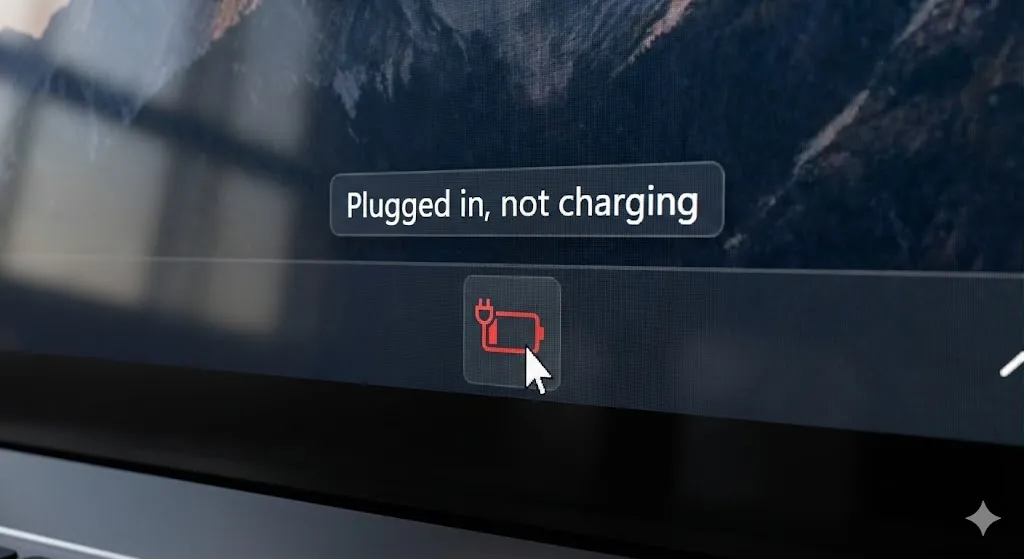
Plugged In, Not Charging? 5 Ways to Fix Laptop Battery

You are working on your laptop, and you notice the battery is getting low. You plug in the charger, expecting the icon to turn into a lightning bolt and the percentage to climb. But something is wrong. The icon shows a plug, but the percentage is stuck at 5% or dropping. Hovering over it reveals … Read more

Connected but Offline? How to Fix “No Internet, Secured” Error

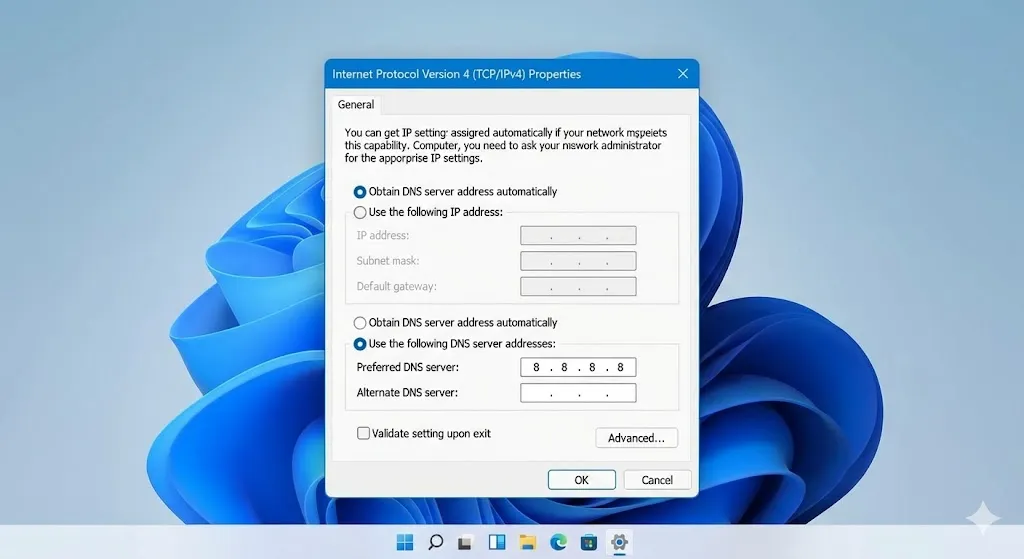
Changing DNS server settings to Google DNS 8.8.8.8 on Windows 10.

You turn on your laptop, connect to your home Wi-Fi, and… nothing loads. No Google, no YouTube, no emails. You check the Wi-Fi icon, and it looks fine. But when you hover over it, you see the confusing message: “No Internet, Secured” It’s frustrating because your computer is technically connected to the router (that’s the … Read more

Blue Screen Loop? How to Fix “Memory Management” Error

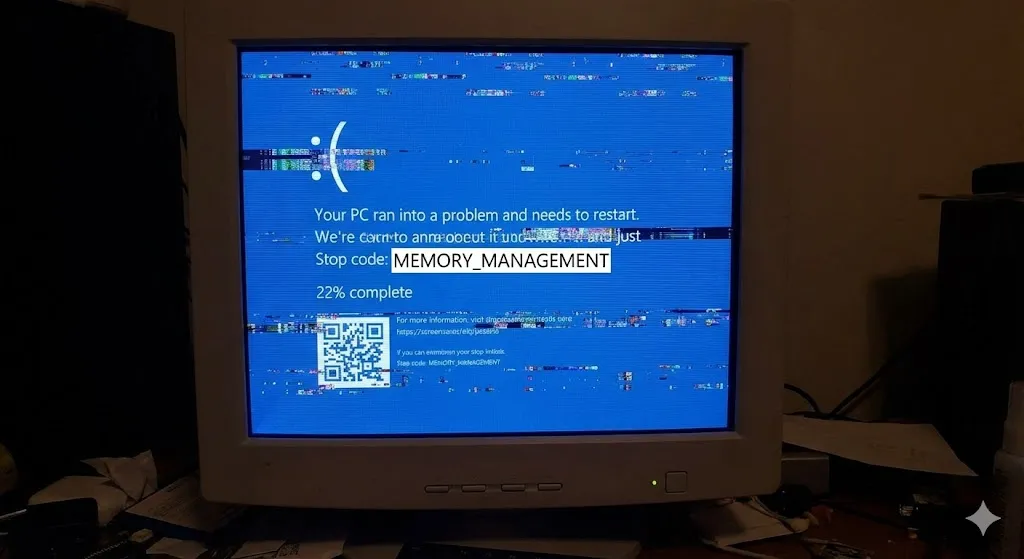
Windows Blue Screen error code Memory Management on a PC monitor.

Is your computer restarting randomly? Does the dreaded Blue Screen of Death (BSOD) appear with the error code MEMORY_MANAGEMENT? It’s incredibly frustrating. One minute you are browsing the web, and the next, your PC reboots, causing you to lose your open tabs and unsaved work. The “Memory Management” error indicates that your computer’s brain—the RAM … Read more