How to Fix No Sound on Laptop Without Guessing
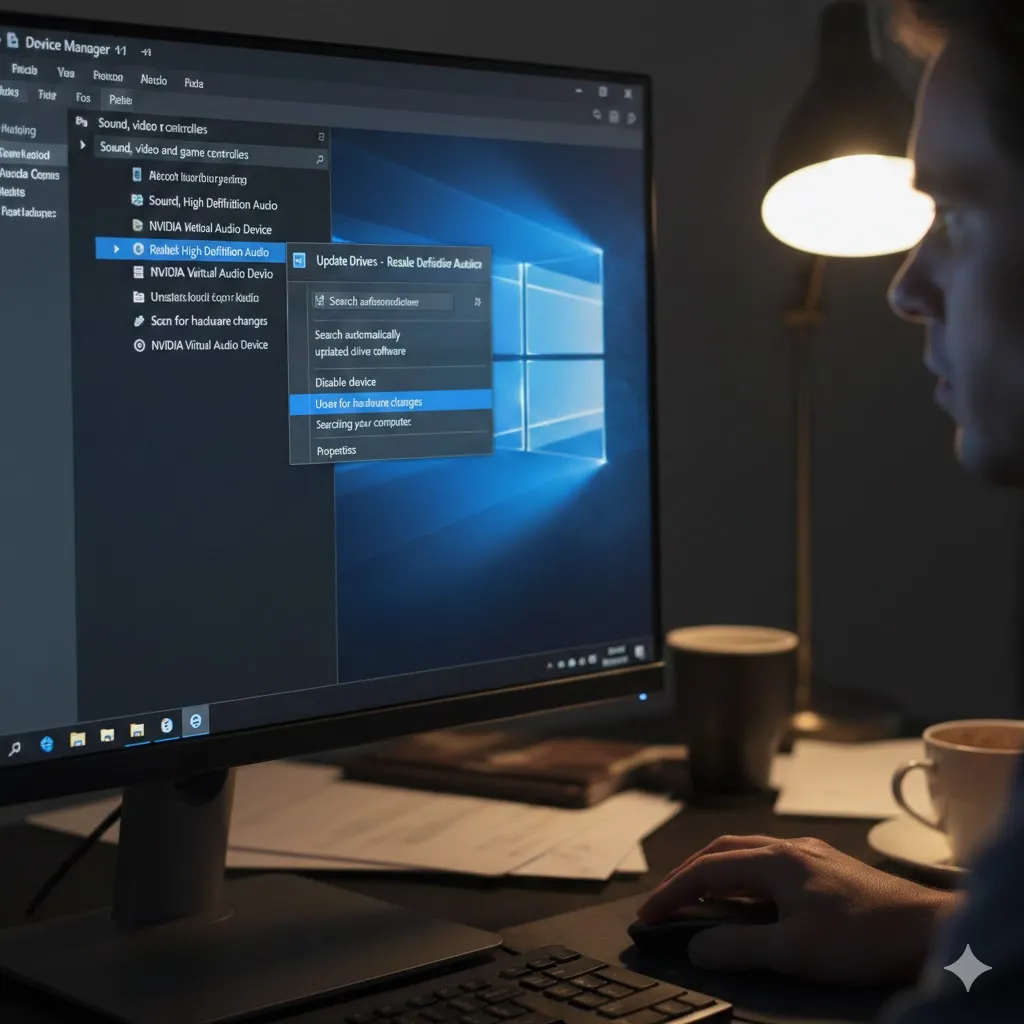
How to fix no sound on laptop is one of the most searched Windows problems—and one of the most misleading. In 2026, laptops rely on layered audio drivers, background services, and smart device switching. When sound disappears, it’s rarely the speakers themselves. The real fix starts with identifying where audio is breaking, not replacing hardware. … Read more
How to Fix Printer Showing Offline Error Fast

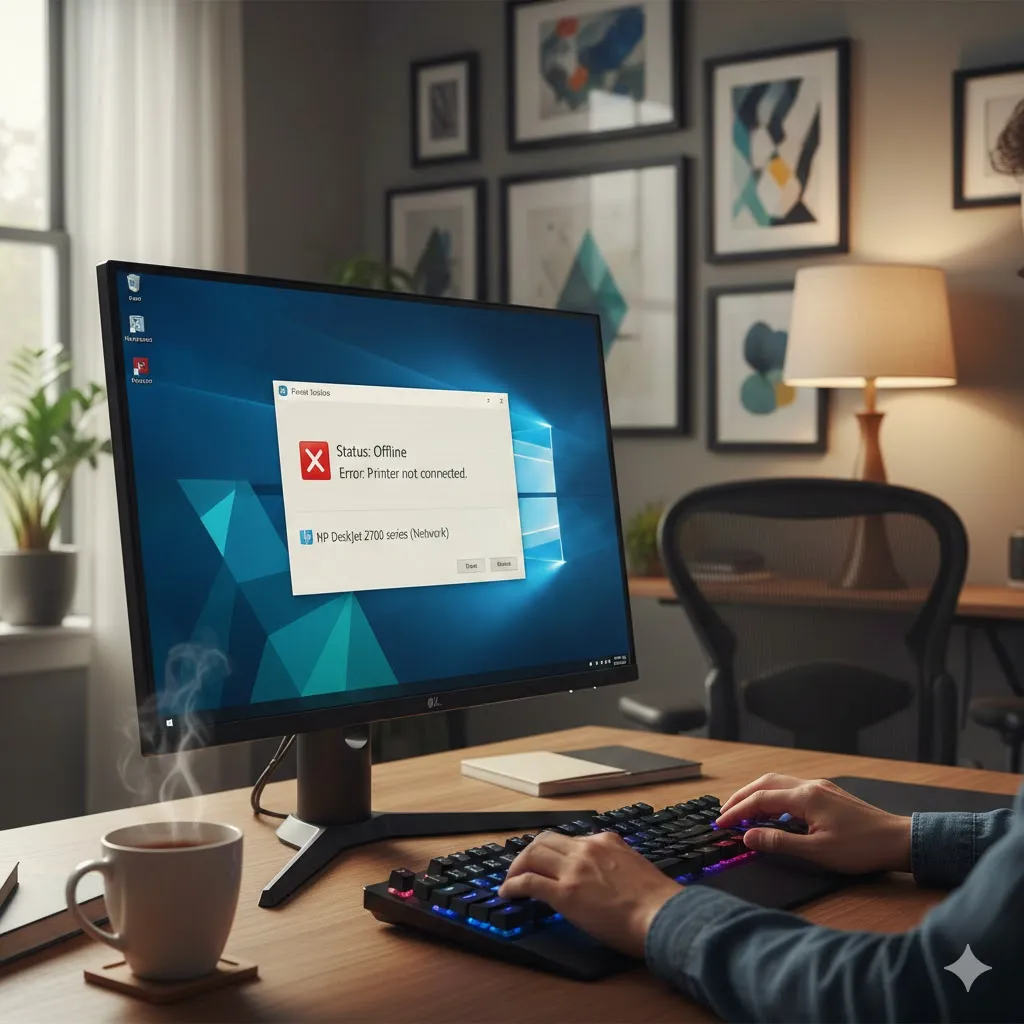
How to fix printer showing offline error is a common Windows headache—especially when the printer is clearly on and connected. In 2026, Windows 10 and Windows 11 rely on background services, network profiles, and driver states that can quietly flip a printer to “Offline” without warning. The fix is usually straightforward once you target the … Read more

How to Fix Printer Not Detected in Windows Fast

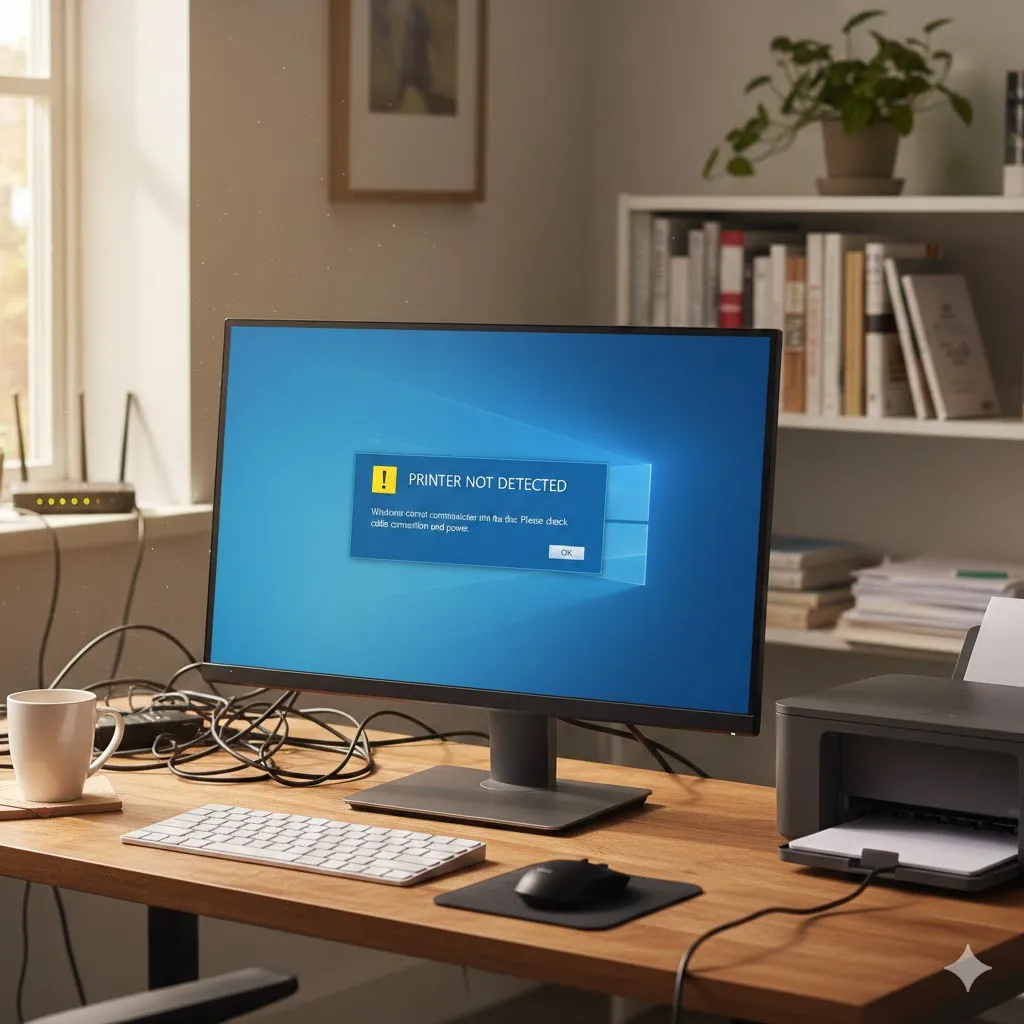
How to fix printer not detected in Windows is a question that often pops up at the worst possible moment—right before a deadline or during an important task. In 2026, Windows 10 and Windows 11 handle printers more intelligently than before, but that also means small connection or service issues can stop detection entirely. The … Read more

How to Fix Microsoft Store Download Not Working

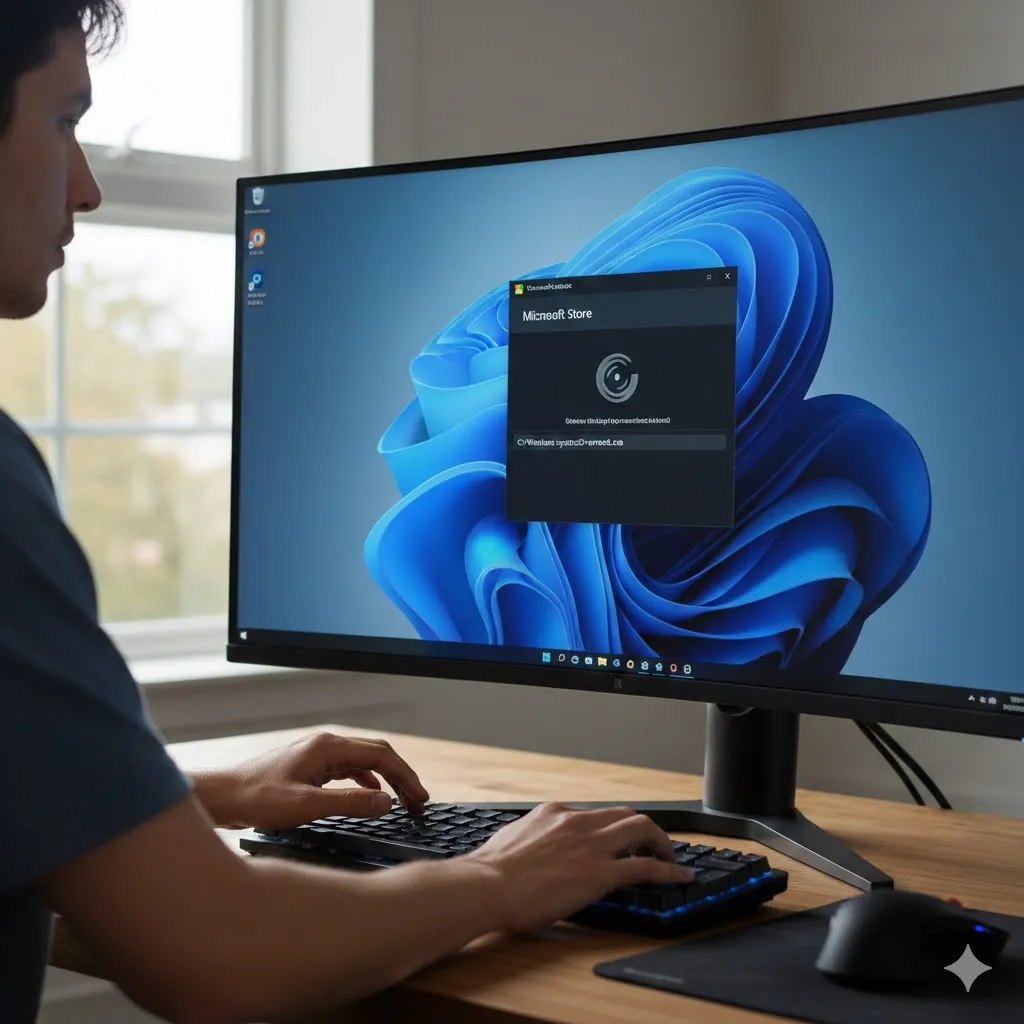
How to fix Microsoft Store download not working is a common Windows frustration—especially when apps are stuck on “Pending” or refuse to start at all. In 2026, Microsoft Store relies on several background services, account syncs, and cache systems. When one piece breaks, downloads quietly fail. The fix is usually simple once you target the … Read more

How to Fix Apps That Won’t Open on Windows

How to fix apps that won’t open on Windows is a problem that feels random—but it rarely is. In 2026, Windows 10 and Windows 11 rely heavily on background services, security checks, and app dependencies. When one link breaks, apps silently refuse to launch. The key is fixing the cause, not reinstalling everything in frustration. … Read more

How to Fix “This App Can’t Run on Your PC” Fast

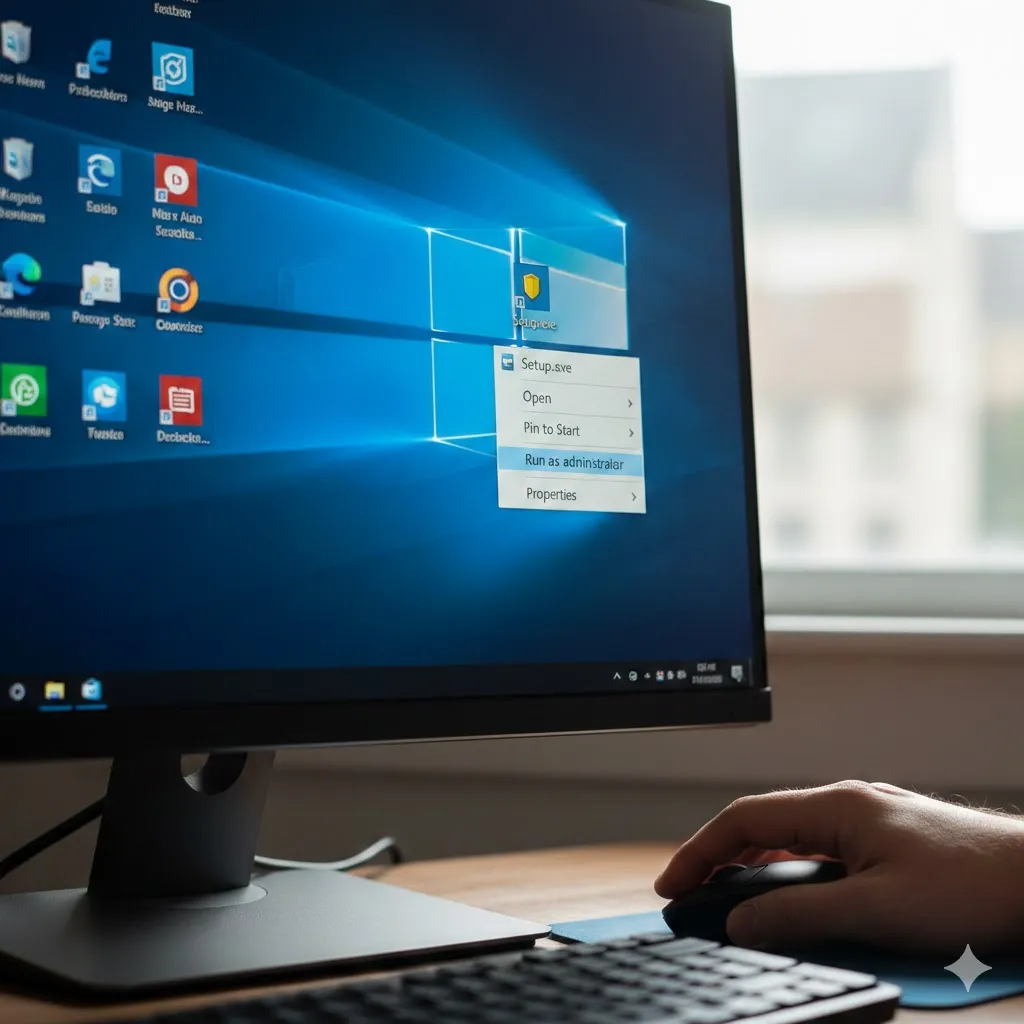
How to fix “This App Can’t Run on Your PC” is one of the most frustrating Windows questions—especially when the program should work. In 2026, this error still appears on Windows 10 and Windows 11, often without a clear explanation. The good news is that it’s usually fixable once you know what Windows is actually … Read more

How to Speed Up Windows 10/11 Startup

Learn how to speed up Windows 10/11 startup using built-in tools, safe settings, and proven performance tweaks. A slow boot can ruin the first minutes of your day. If Windows 10 or 11 takes too long to start, the cause is usually not your hardware—it’s background apps, startup services, and system settings loading more than … Read more

How to Fix RAM Full Even When Apps Are Few

Learn how to fix RAM full issues in Windows even when few apps are open, using safe built-in solutions. It’s confusing when Windows feels slow and Task Manager shows RAM almost full, even though only a few apps are running. This problem is common on laptops and PCs with limited memory, and it often has … Read more

How to Fix Disk 100% Usage in Task Manager

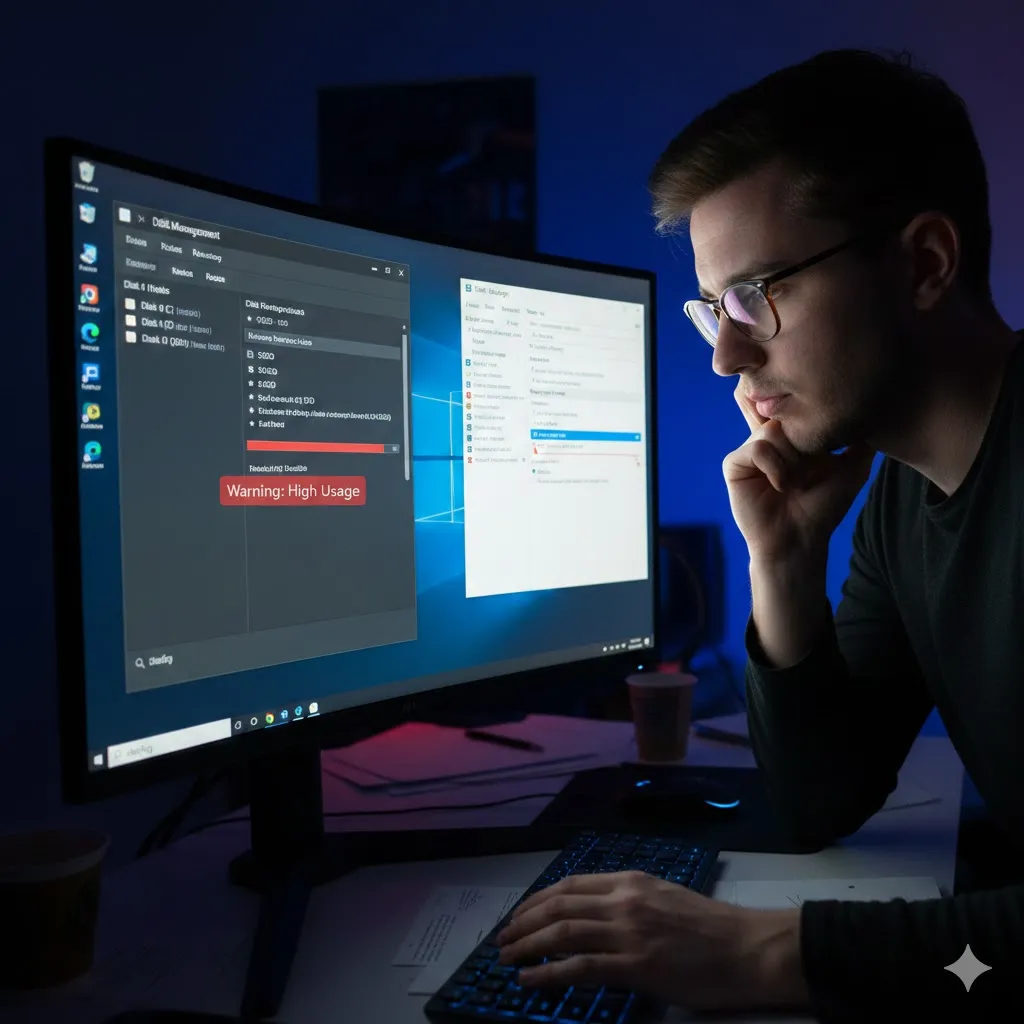
Learn how to fix Disk 100% usage in Task Manager with safe, proven steps that restore Windows performance. Seeing Disk at 100% in Task Manager while your computer feels painfully slow is one of the most frustrating Windows problems. Apps freeze, boot times drag on, and even simple clicks feel delayed. This issue is especially … Read more

How to Clean Junk Files on Windows Without Any Apps

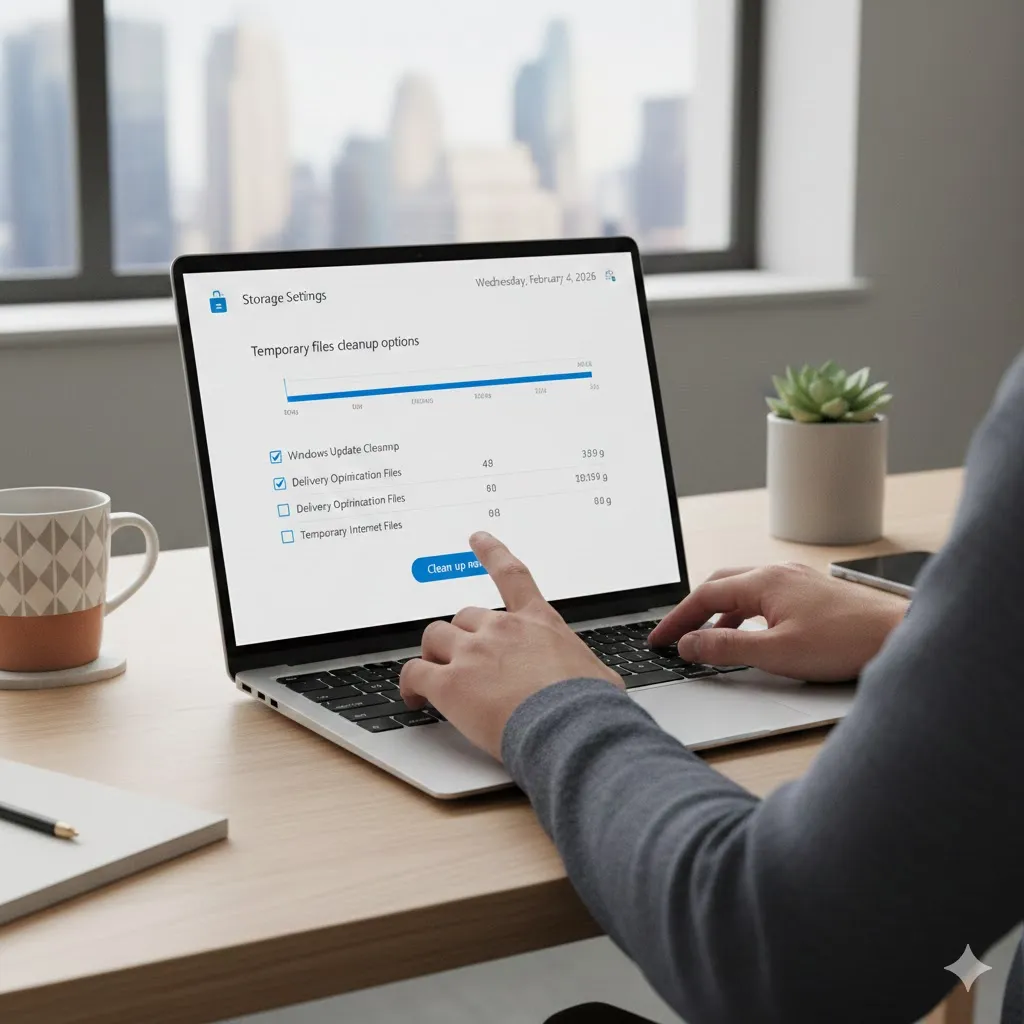
Learn how to clean junk files on Windows without installing apps, using safe built-in tools to free up storage. Over time, Windows quietly collects junk files that slow performance and eat up storage. The good news is you don’t need third-party software to fix it. Knowing how to clean junk files on Windows without apps … Read more