Microphone Not Working on Windows? 5 Easy Fixes (2026)

Introduction You join an important Zoom meeting or a Discord channel with friends. You start talking, but everyone keeps saying: “We can’t hear you. Are you muted?” You check your headset—the mute button is off. You shout into the mic—still nothing. The green bar in the sound settings isn’t moving at all. This is a … Read more
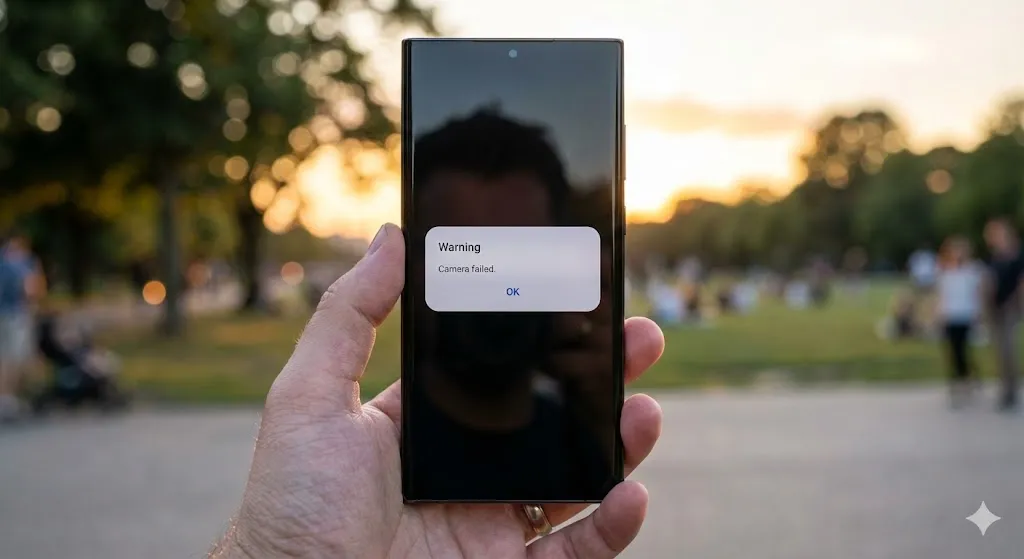
“Warning: Camera Failed” on Samsung Galaxy? 5 Ways to Fix It (2026)

Introduction You spot a perfect photo opportunity—a beautiful sunset or your pet doing something cute. You double-tap the power button to launch the camera, but instead of the viewfinder, you get a black screen and a popup message: “Warning: Camera failed.” The app crashes, and you miss the moment. It is incredibly frustrating. Does this … Read more

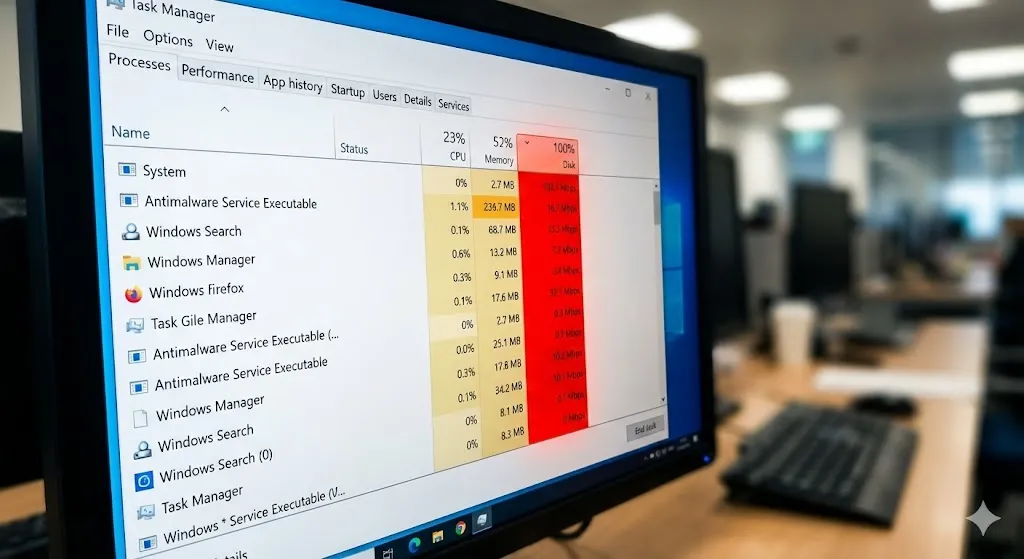
Task Manager Shows 100% Disk Usage? 5 Ways to Fix It (2026)

Is your computer running incredibly slow? You open Task Manager to check what’s wrong, and you see the “Disk” column highlighted in angry red, sitting at 100%. But here’s the weird part: you aren’t even downloading anything or copying files. Your PC is doing nothing, yet the hard drive is working at maximum capacity. “Why … Read more

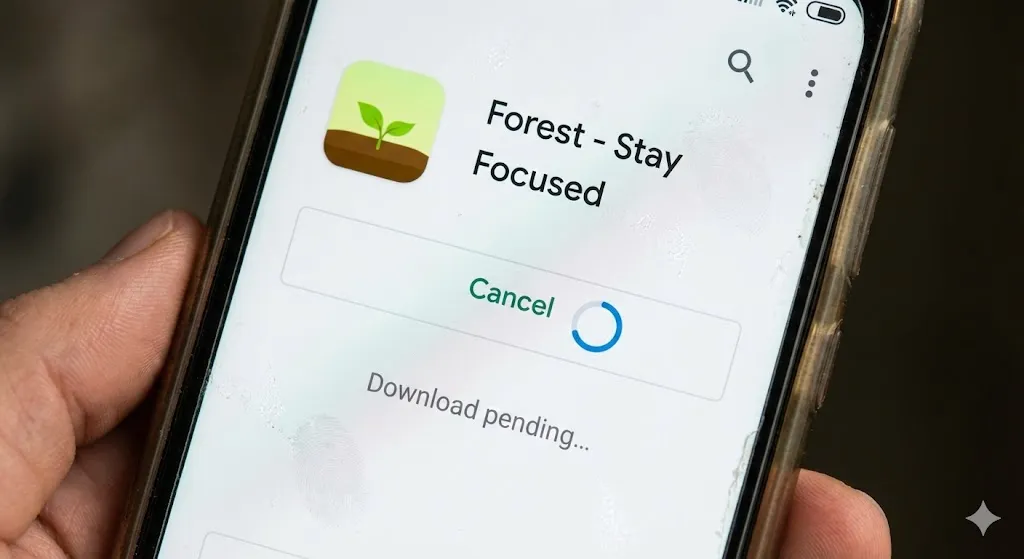
Stuck on “Download Pending”? 5 Fixes for Google Play Store (2026)

You found a new game or a useful app you want to try. You hit the green “Install” button, expecting it to start downloading immediately. But instead, you see a spinning circle and the message: “Download pending…” You wait 5 minutes. Then 10 minutes. It’s still stuck. You try canceling and restarting, but nothing changes. … Read more

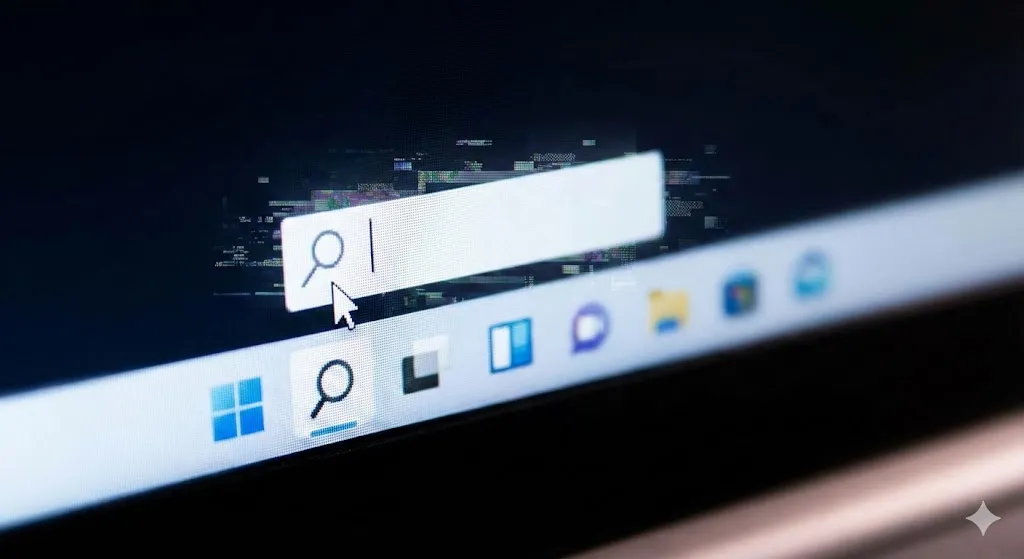
Can’t Type in Windows Search? 5 Ways to Fix It (2026)

Windows search bar not working and unable to type text.

You click the magnifying glass icon or the Start button, ready to launch an app or find a file. You start typing, but… nothing happens. The cursor blinks, but no letters appear. Or worse, the search box doesn’t open at all. “Why is my Windows Search broken?” This is one of the most annoying bugs … Read more

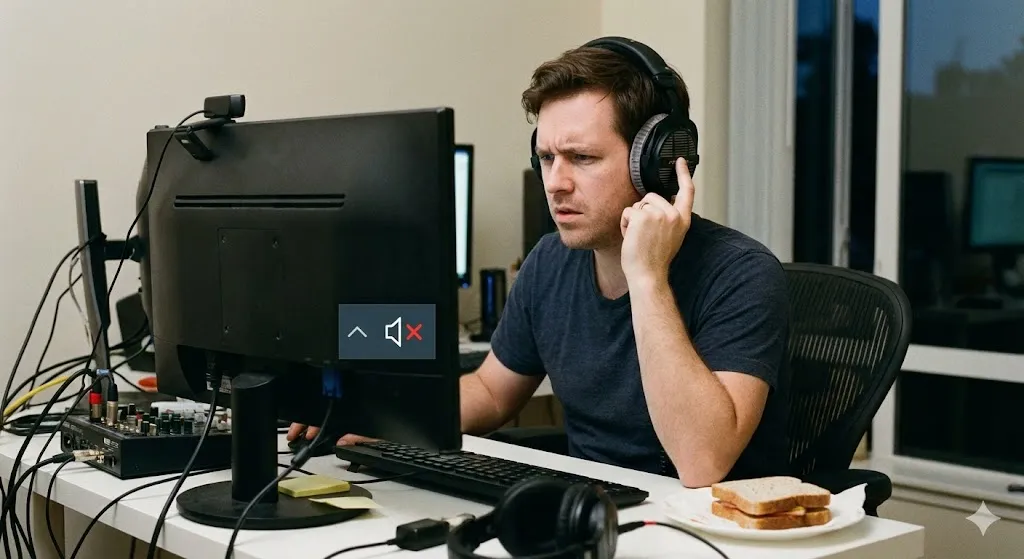
Headphones Plugged In But No Sound? 5 Fixes for Windows

You just bought a nice pair of headphones. You plug them into the jack on your laptop or PC case, load up Spotify or a game, and… silence. Or worse, the sound continues to blast out of your computer speakers, annoying everyone in the room, even though the headphones are firmly plugged in. “Why is … Read more

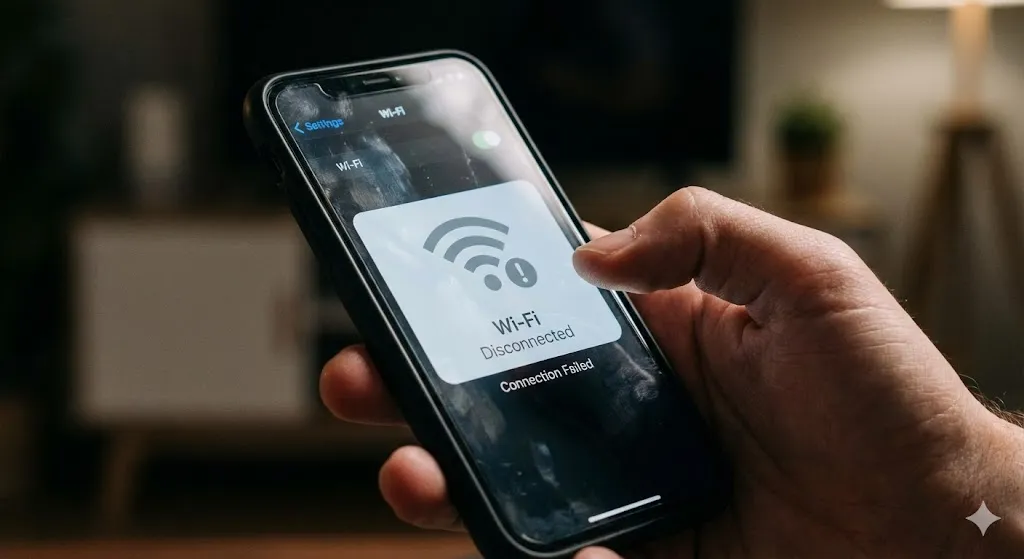
Why Does My Android Wi-Fi Keep Disconnecting? 5 Fixes

You are watching a YouTube video or playing an online game, and suddenly—buffering. You look at the status bar, and your Wi-Fi icon is gone. A few seconds later, it reconnects. Then it drops again. “Connected… Disconnected… Connected.” This loop is incredibly frustrating. You know your router is working because your laptop is fine. So … Read more

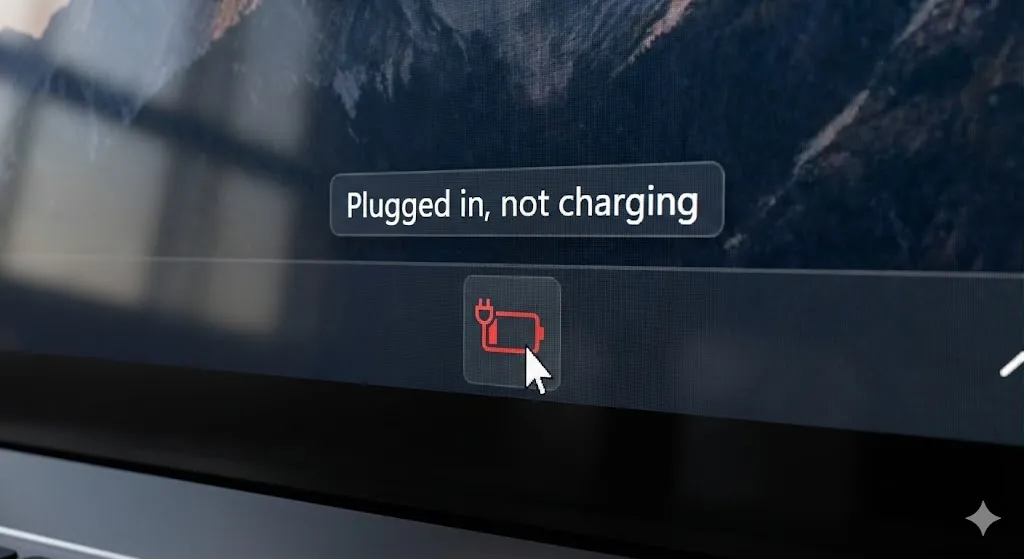
Plugged In, Not Charging? 5 Ways to Fix Laptop Battery

You are working on your laptop, and you notice the battery is getting low. You plug in the charger, expecting the icon to turn into a lightning bolt and the percentage to climb. But something is wrong. The icon shows a plug, but the percentage is stuck at 5% or dropping. Hovering over it reveals … Read more

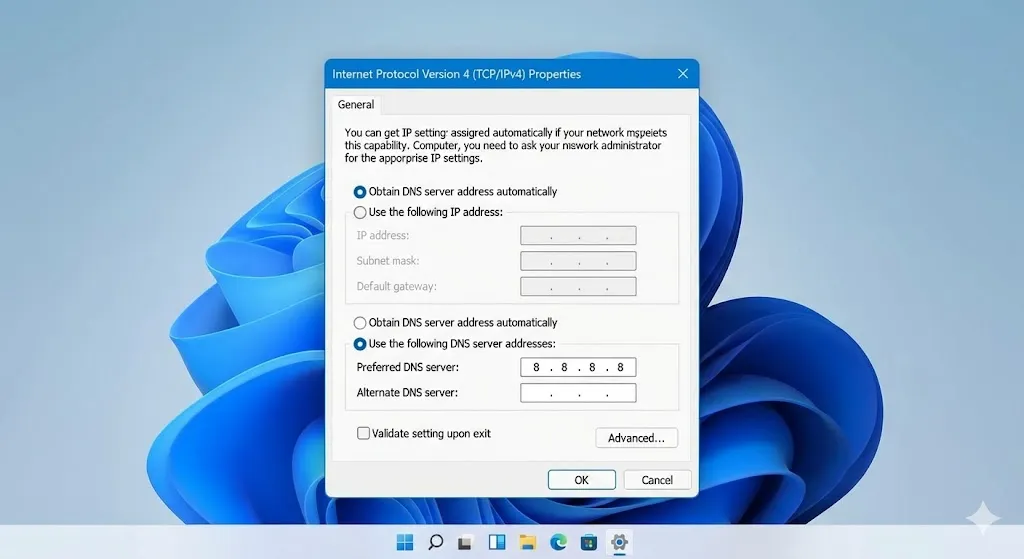
Connected but Offline? How to Fix “No Internet, Secured” Error

Changing DNS server settings to Google DNS 8.8.8.8 on Windows 10.

You turn on your laptop, connect to your home Wi-Fi, and… nothing loads. No Google, no YouTube, no emails. You check the Wi-Fi icon, and it looks fine. But when you hover over it, you see the confusing message: “No Internet, Secured” It’s frustrating because your computer is technically connected to the router (that’s the … Read more

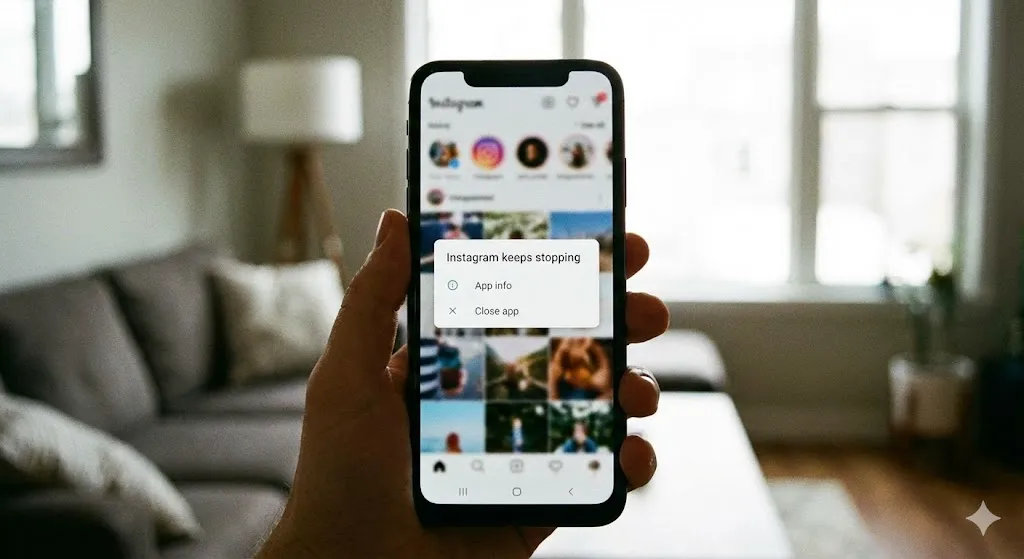
Why Do My Apps Keep Crashing? 5 Instant Fixes for Android

You tap on Instagram, it opens for a second, and then—poof—it closes instantly. You try Gmail, same thing. Suddenly, you see a pop-up: “App keeps stopping.” It is incredibly annoying. You paid good money for your smartphone, and now it can’t even run a basic app. Is it a virus? Is your phone broken? Before … Read more