Google Keeps Stopping”? 5 Ways to Fix the Crash Loop (2026)
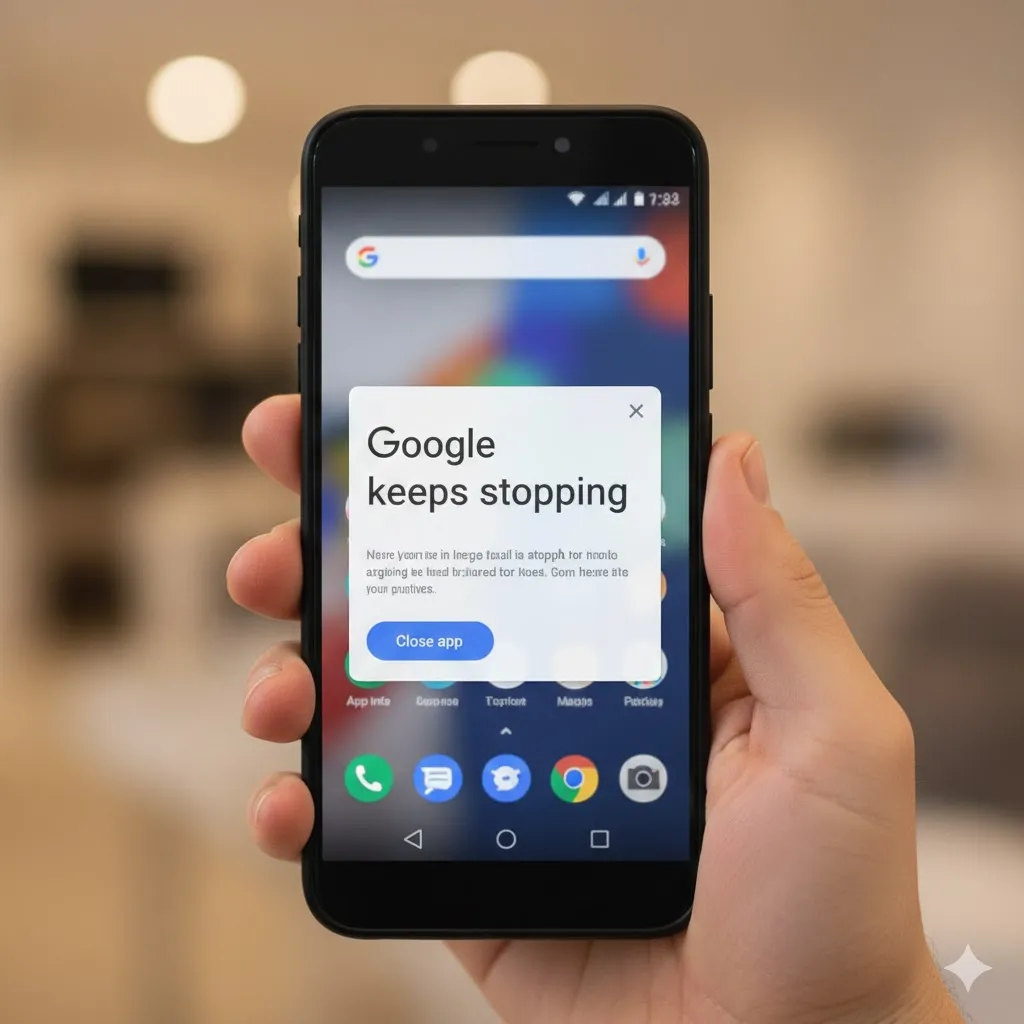
Introduction You are using your phone peacefully, and suddenly a popup appears: “Google keeps stopping.” You tap “Close app,” but it pops up again 2 seconds later. And again. And again. Your phone becomes unusable because this error message blocks everything you try to do. “Help! My phone is possessed!” Don’t smash your phone against … Read more

Mouse Cursor Stuttering or Freezing? 5 Fixes for Windows (2026)

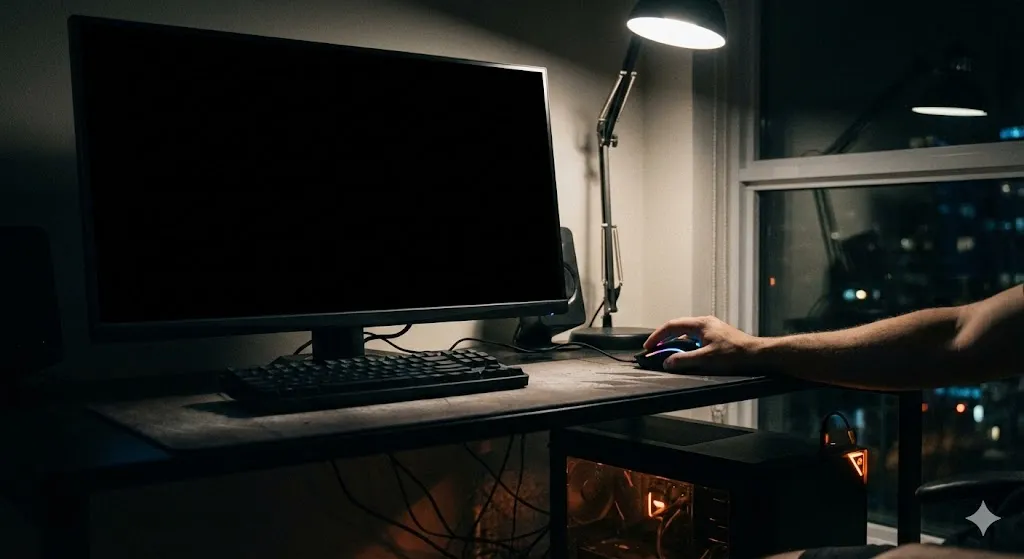
Introduction You are trying to click a button or aim in a video game. You move your hand smoothly across the mousepad, but on the screen, the cursor is acting crazy. It freezes for a second, jumps to the other side, or moves in choppy steps. “Is my mouse broken?” Mouse stuttering (or lagging) makes … Read more

Moisture Detected But Phone Is Dry? 5 Fixes for Samsung (2026)

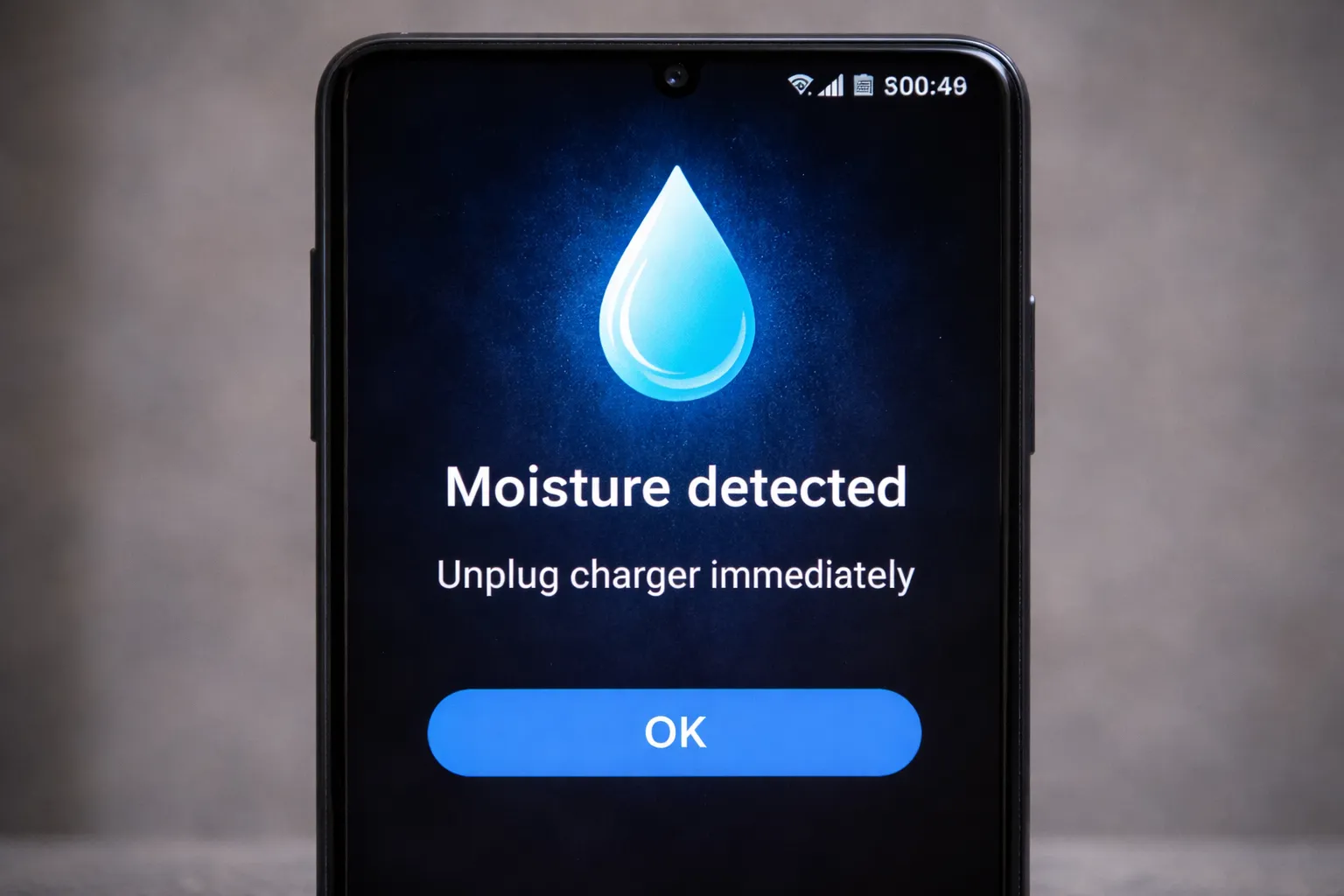
Introduction You plug your charger into your Samsung Galaxy before bed, but instead of the charging sound, you hear a loud alarm and a vibration. A blue water drop icon appears on the screen with the message: “Moisture detected in charging/USB port.” Your phone refuses to charge to prevent a short circuit. This is a … Read more

Touchscreen Not Working or Ghost Touching? 5 Fixes for Samsung (2026)

Introduction You tap an app, but nothing happens. You swipe to unlock, but the screen is stuck. Or even weirder—your phone starts typing messages or opening apps by itself like an invisible finger is touching it. “Is my screen broken?” Not necessarily. While a cracked screen is a hardware issue, “Ghost Touch” or unresponsiveness is … Read more

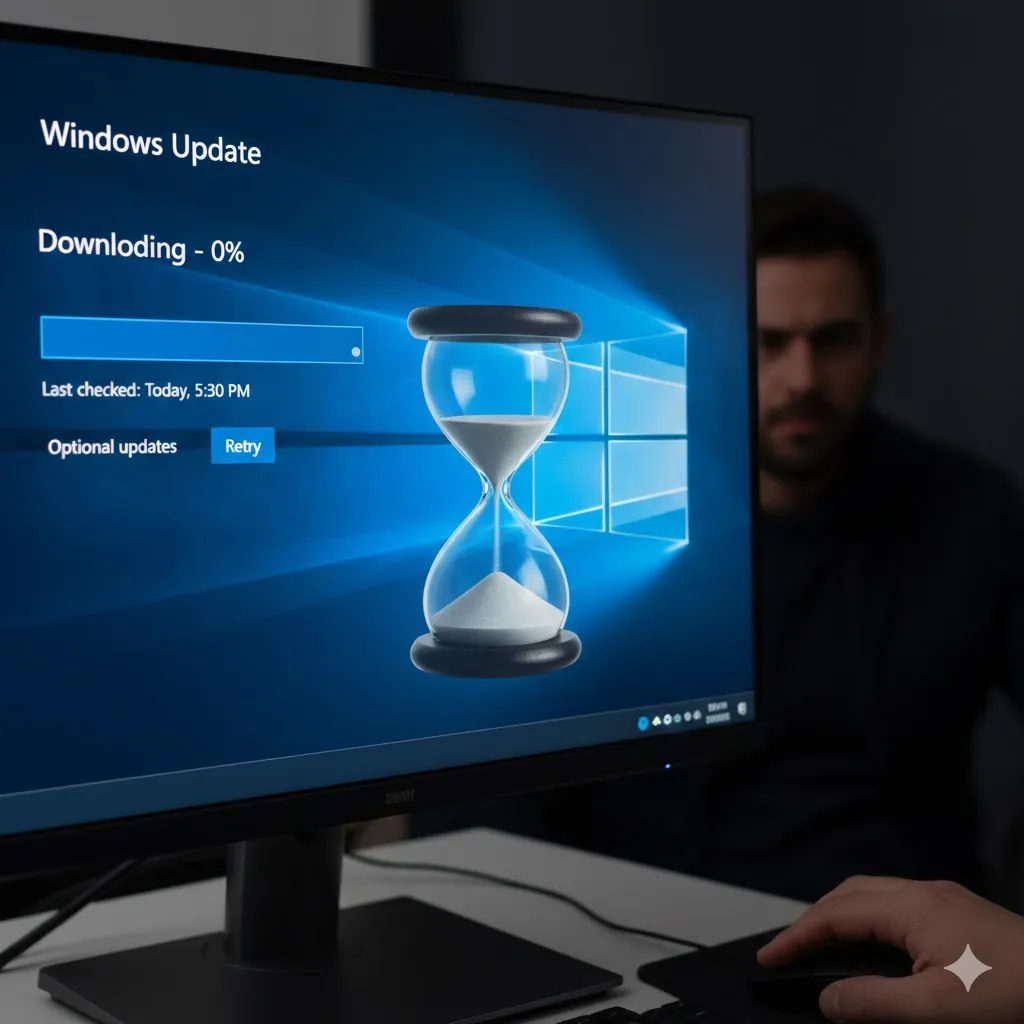
Stuck at 0%? How to Fix a Frozen Windows Update (2026)

Introduction You decide to be a responsible user and update your Windows. You click “Check for updates,” and it starts downloading. But then, disaster strikes. The progress bar sits at “Downloading 0%”… for 10 minutes. Then 30 minutes. Then 2 hours. “Is it actually doing anything?” Usually, no. It’s frozen. The Windows Update service is … Read more

Laptop Keyboard Not Working? 5 Ways to Fix It (2026)

You open your laptop to finish an urgent report or chat with a friend. You start typing, but the screen stays blank. You hit the keys harder, but still nothing. Or maybe you press “A” and it types “Aaaaaa,” or press the Spacebar and nothing happens. “Did I break my keyboard?” Before you panic and … Read more

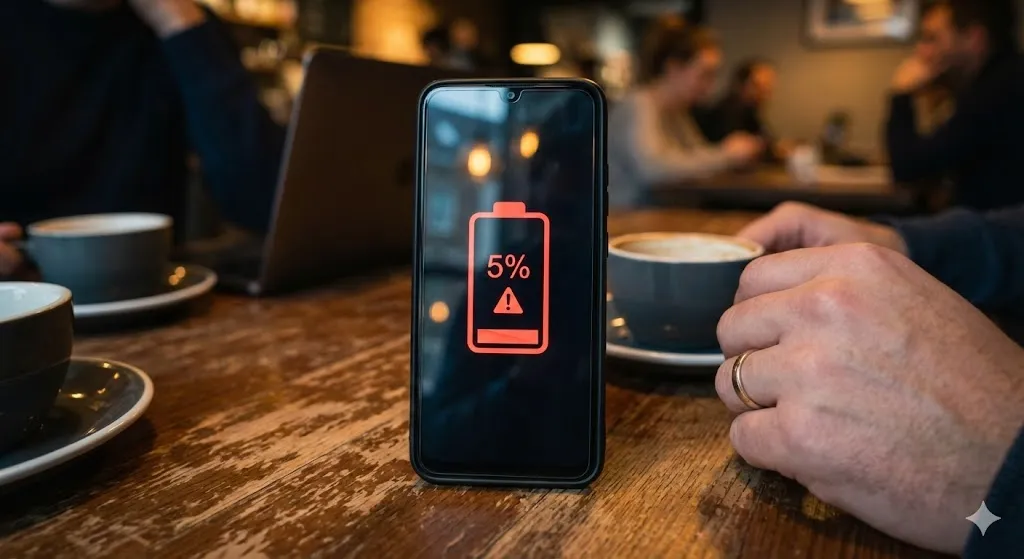
Why Is My Phone Battery Draining So Fast? 5 Fixes (2026)

You unplug your phone at 100% in the morning. By lunchtime, you check it, and it’s already down to 35%. You haven’t even played games or watched movies. “Where did all my power go?” Living tethered to a wall charger or carrying a heavy power bank everywhere is annoying. While all batteries degrade over time, … Read more

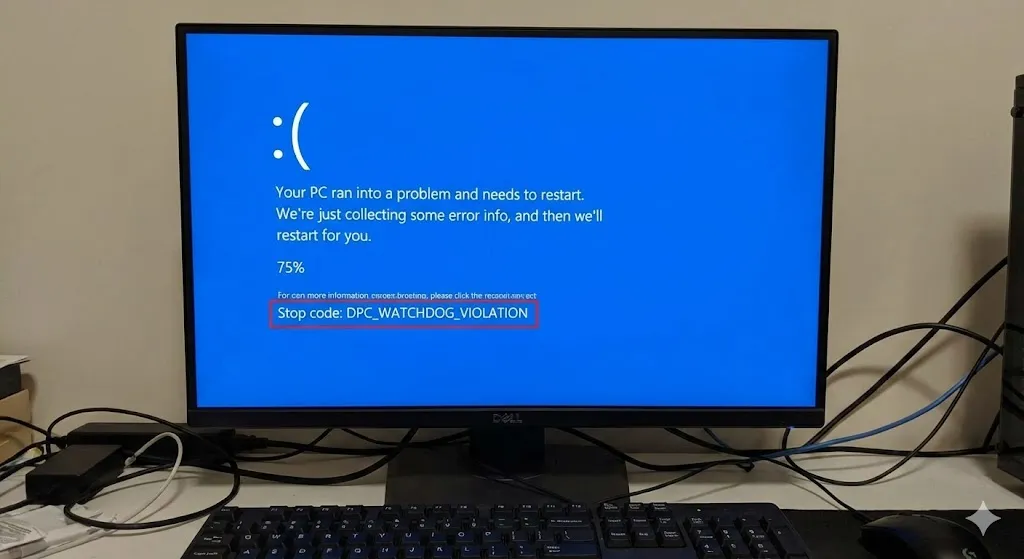
How to Fix “DPC_WATCHDOG_VIOLATION” Blue Screen Error (2026)

You are working on your PC or playing a game, and suddenly everything freezes. The mouse stops moving, the audio buzzes, and then—boom. The Blue Screen of Death (BSOD) appears with a long, scary error code: Stop Code: DPC_WATCHDOG_VIOLATION It sounds serious, doesn’t it? “Watchdog Violation” sounds like you broke a law. But don’t panic. … Read more

Computer Won’t Wake Up From Sleep? 5 Fixes for Windows (2026)

You stepped away for a coffee, and your computer went to sleep to save power. You come back, wiggle the mouse, tap the spacebar… and nothing. The power light is blinking, the fans are spinning, but the screen remains pitch black. “Is my computer dead?” This “Sleep of Death” is a very common bug in … Read more

No Service? How to Fix “SIM Card Not Detected” on Android (2026)

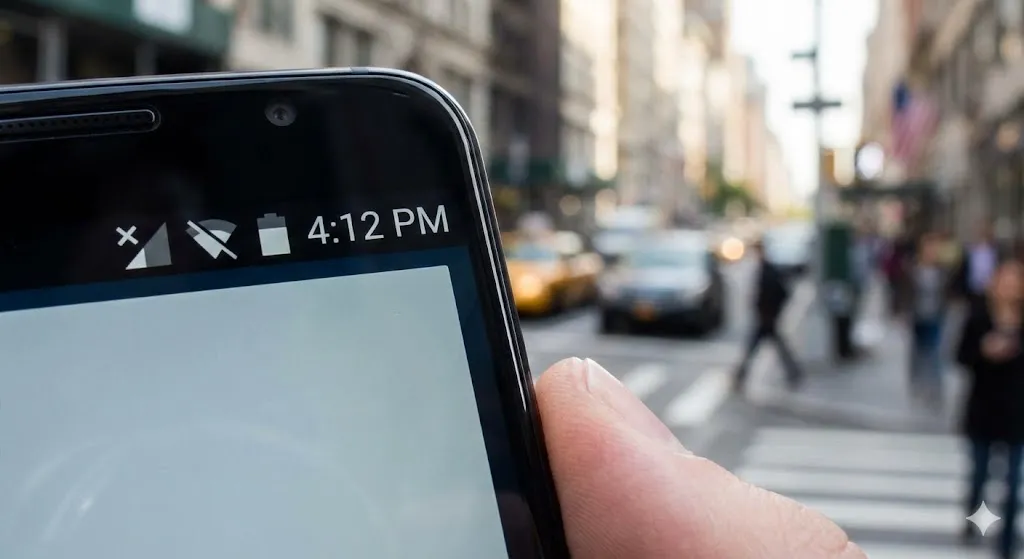
You pick up your phone to make a call or check a text, and you notice something terrifying. Instead of your usual signal bars, there is a circle with a line through it, or a message saying: “No SIM card inserted” or “No Service.” You didn’t drop your phone, and you didn’t touch the SIM … Read more