How to Fix a Laptop That Won’t Connect to WiFi
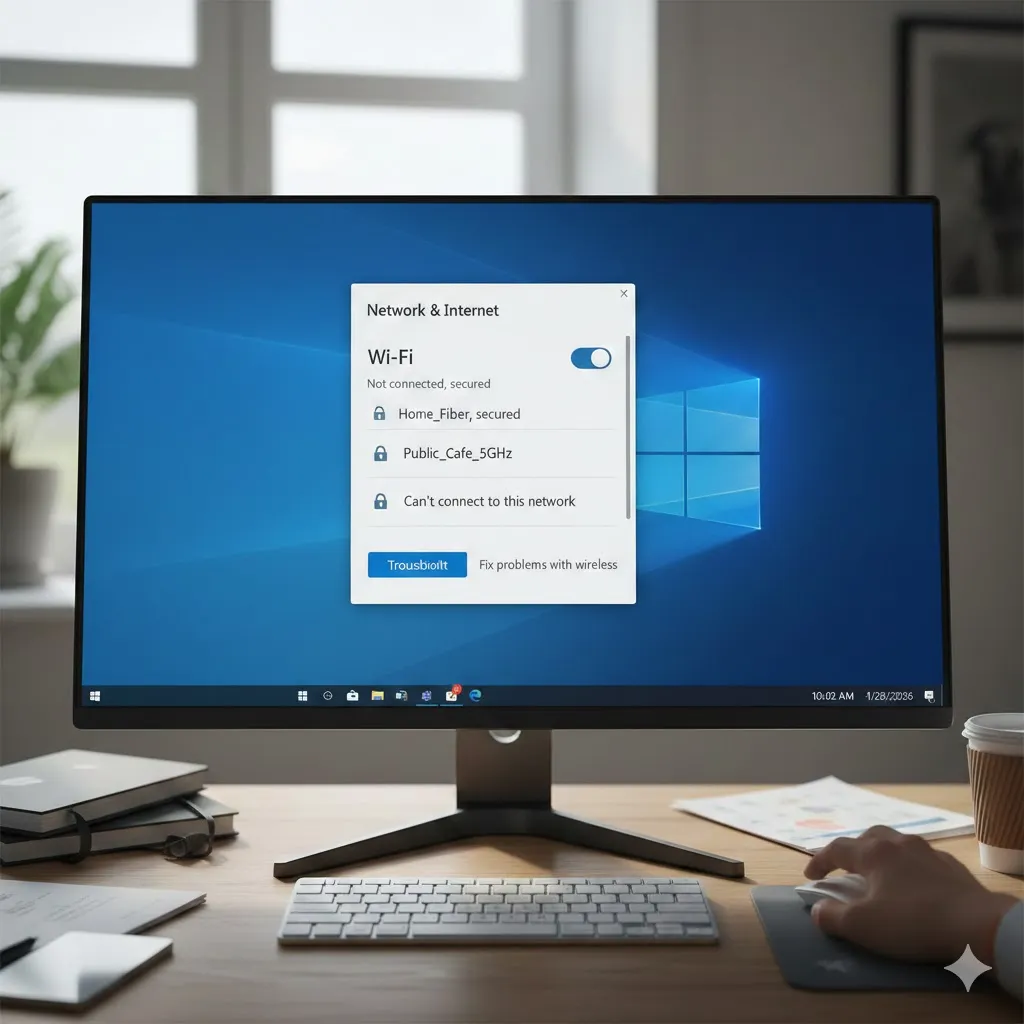
Learn practical ways to fix a laptop that won’t connect to WiFi, with clear steps and realistic solutions updated for 2026. When a laptop can’t connect to WiFi, everything suddenly feels stuck. Work pauses, meetings get delayed, and even simple browsing becomes frustrating. This issue is more common than many people realize—and in most cases, … Read more
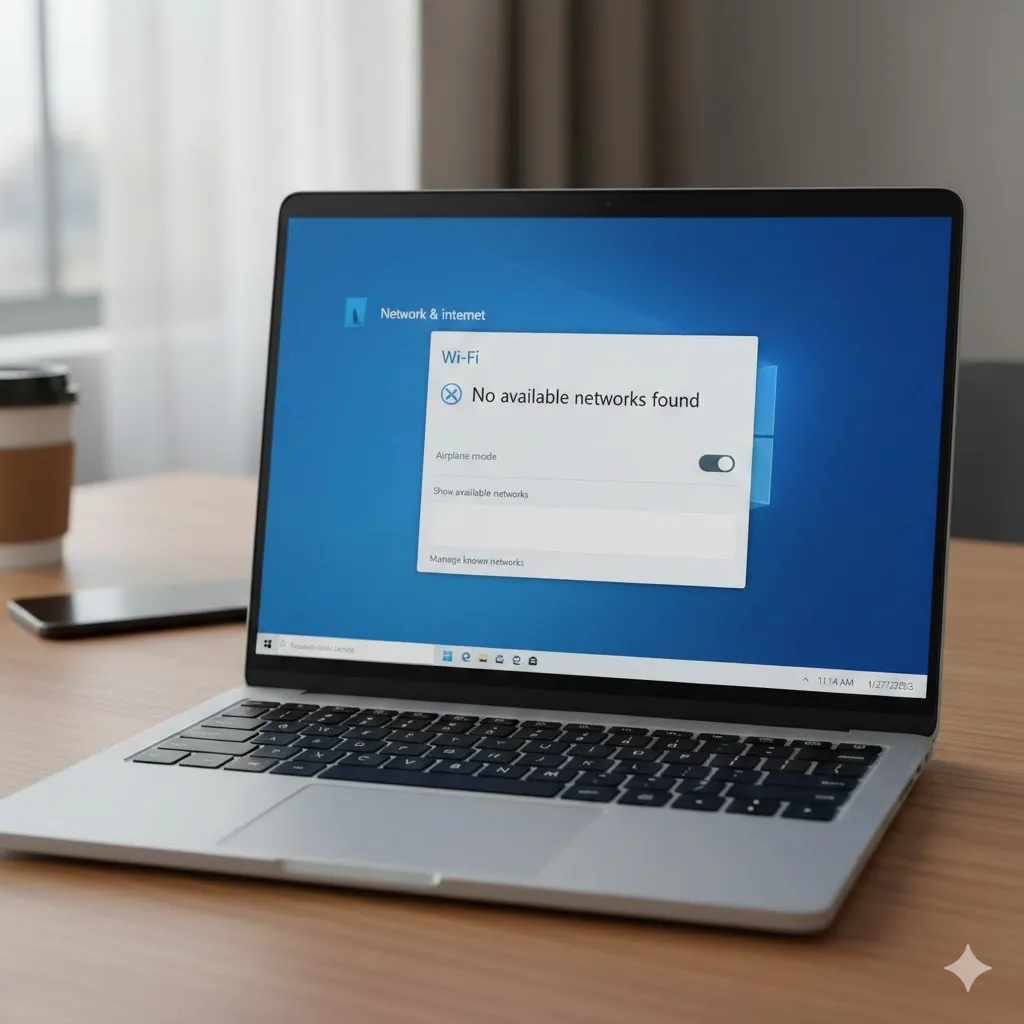
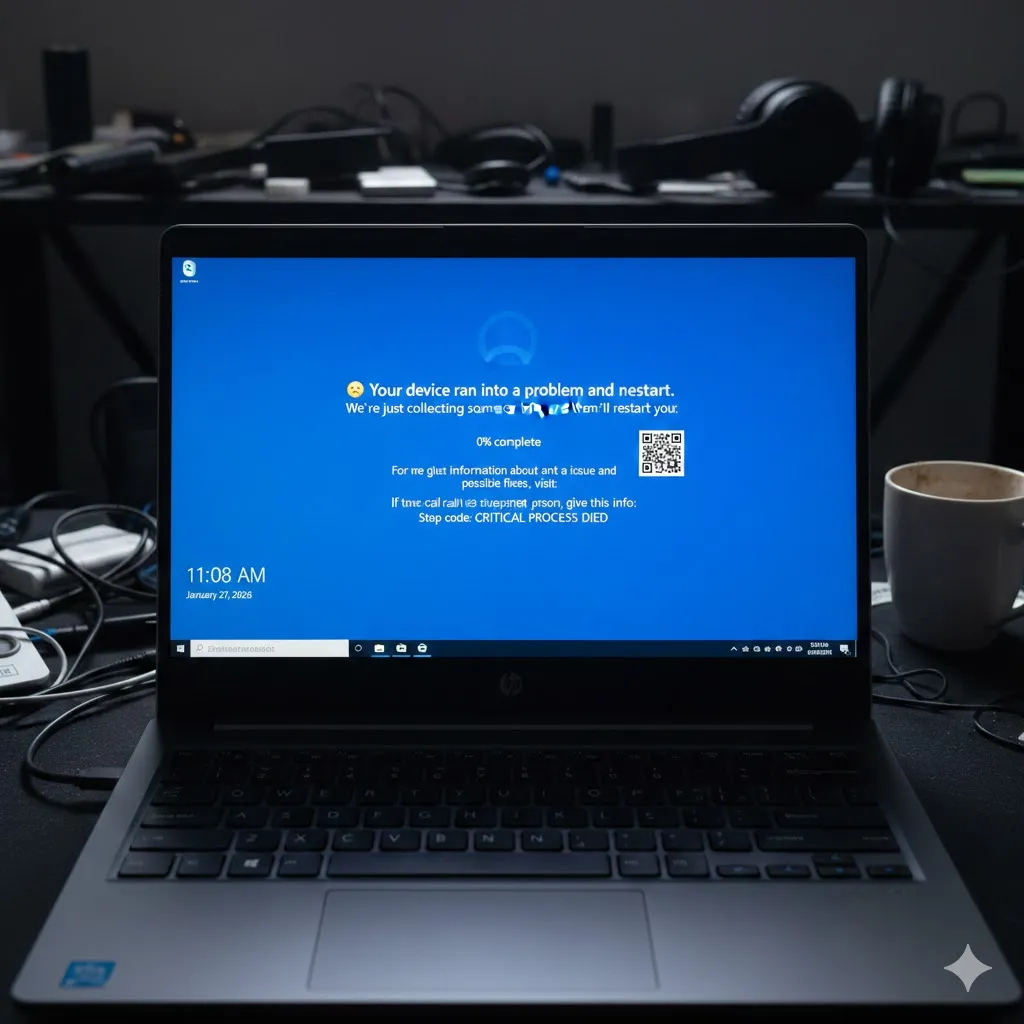
Laptop WiFi Not Showing Here Are the Most Effective Fixes

When your laptop suddenly can’t find any WiFi networks, it can feel like everything stops. Work, study, streaming—none of it works without a connection. In Windows 10 and Windows 11, the issue where WiFi does not appear at all is surprisingly common, but in most cases, it’s fixable without replacing hardware. This guide explains why … Read more

How to Fix Blue Screen Errors on Windows 10 and 11

Blue Screen of Death errors—often called BSOD—are among the most frustrating problems Windows users face. One moment everything works fine, the next your screen turns blue, your system restarts, and you’re left wondering what just happened. In Windows 10 and Windows 11, BSOD issues are still common, but the good news is that most of … Read more

Why Your Laptop Overheats Fast and How to Fix It

Learn the real reasons laptops overheat quickly in 2026 and how to cool yours down with simple fixes that actually work. A laptop that heats up too fast can feel scary. The fan gets loud, the keyboard feels hot, and performance suddenly drops. However, overheating is usually caused by a few common issues like dust … Read more

How to Fix a Slow Windows PC Even After a Fresh Install

Fix Windows running slow after a new install with simple, proven steps for 2026—boost speed, reduce lag, and make your PC feel fast again. Installing Windows fresh should feel like a reset button. However, many people are shocked when their PC is still slow right after reinstalling. Apps take forever to open, the system feels … Read more

How to Speed Up Any Android Phone Instantly (2026)

Introduction You tap an app, and it takes a split second to “whoosh” open. You switch screens, and there is a fancy sliding animation. It looks nice, but over time, these animations make your phone feel sluggish and slow. “Can I just make it open instantly?” Yes! Android has a hidden menu called “Developer Options” … Read more

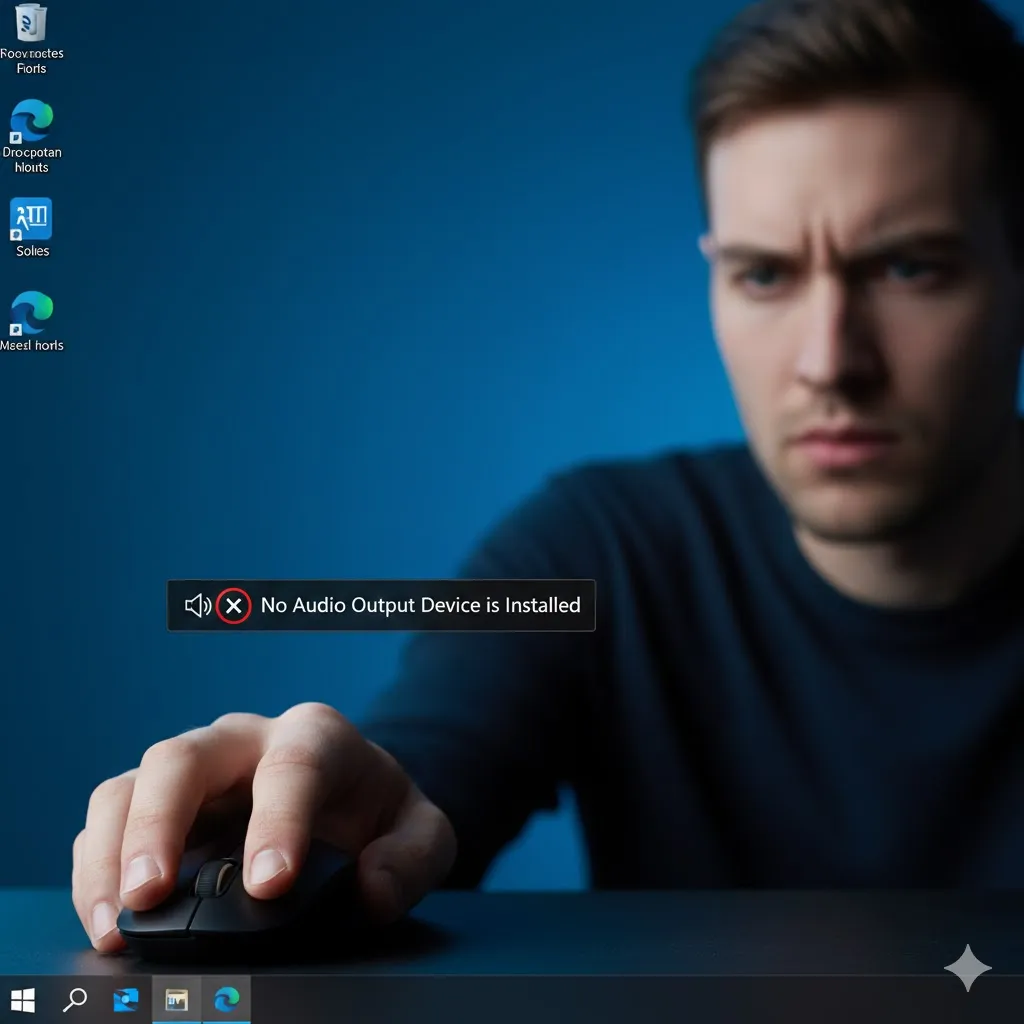
“No Audio Output Device is Installed”? 5 Ways to Fix Sound (2026)

Introduction You want to listen to music or watch a YouTube video. You put on your headphones, but there is silence. You look at the speaker icon in the bottom right corner, and there is a terrifying red “X” circle on it. When you hover over it, the message says: “No Audio Output Device is … Read more

Print Screen Key Not Working? 5 Ways to Take Screenshots (2026)

Introduction You see something funny or important on your screen. You instinctively press the “PrtSc” (Print Screen) key, expecting the screen to flash or a “Screenshot Saved” notification to appear. But nothing happens. You check your “Pictures > Screenshots” folder, and it’s empty. “Why won’t my computer take a picture?” This is frustrating, but your … Read more

Taskbar Frozen or Missing? 5 Ways to Fix It on Windows (2026)

Introduction You move your mouse to the bottom of the screen to click the Start button, but nothing happens. The icons are frozen, the clock is stuck, or worse—the entire taskbar has vanished completely. “Where did my buttons go?” The Taskbar is the control center of Windows. When it breaks, you can’t switch apps, check … Read more

How to Recover Deleted Photos on Samsung Galaxy (2026)

Introduction You are scrolling through your Gallery, deleting blurry shots to save space. Your finger slips, and suddenly, you delete your favorite vacation photo or a video of your pet. Your heart stops. “Is it gone forever?” Panic sets in immediately. But here is the good news: on modern Android phones (especially Samsung), “Deleting” doesn’t … Read more