
How to fix apps that won’t open on Windows is a problem that feels random—but it rarely is. In 2026, Windows 10 and Windows 11 rely heavily on background services, security checks, and app dependencies. When one link breaks, apps silently refuse to launch.
The key is fixing the cause, not reinstalling everything in frustration.
This article is for general informational purposes only. It does not provide professional IT, security, or legal advice. Results may vary depending on your Windows version and system configuration.
Why Windows apps suddenly stop opening
Apps fail to open when Windows blocks execution, can’t access required files, or detects corruption. This often happens after updates, storage cleanups, or permission changes.
For example, a remote employee in New Jersey found that none of her Microsoft Store apps would open after a Windows update. The apps weren’t broken—the AppX service had stopped running in the background.
Understanding what Windows is protecting or missing is the fastest path forward.
image_group
“Windows apps failing to launch on a desktop screen, realistic lighting, modern home office environment”
Start with the simplest system checks
Before reinstalling anything, confirm that Windows itself isn’t the issue.
Restart your PC first. It sounds basic, but it clears locked services and pending updates that block apps.
Next, check whether only one app is affected or multiple apps. Multiple failures usually point to system-level problems rather than the app itself.
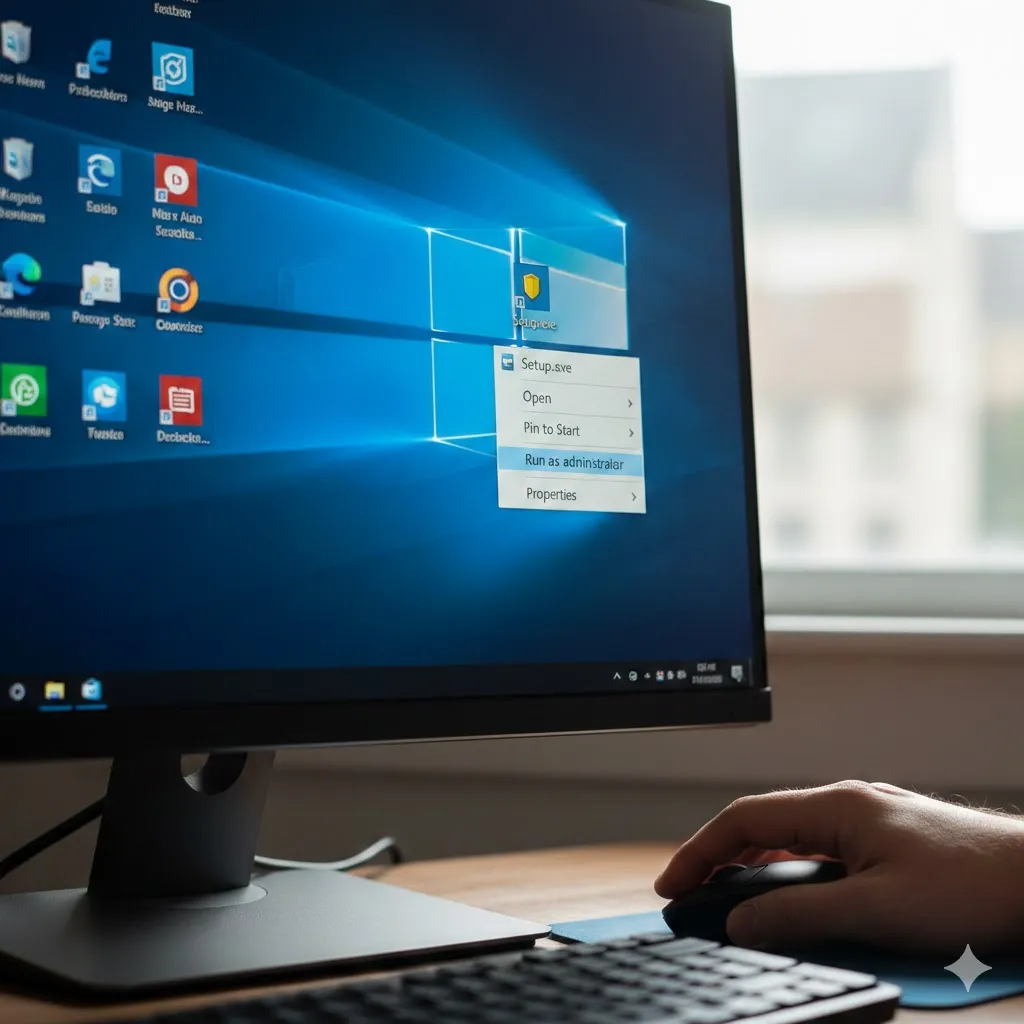
Run the app as administrator
Some desktop apps fail silently due to permission restrictions. Right-click the app and select Run as administrator.
A logistics coordinator in Ohio fixed a payroll app instantly this way after a folder permission reset blocked access.
Repair apps instead of reinstalling
Windows includes built-in repair tools that many users overlook.
For Microsoft Store apps, open Settings → Apps → Installed Apps, select the app, then choose Repair or Reset. Repair preserves data, while reset reinstalls cleanly.
Desktop apps may include a Repair option inside Programs and Features, which your internal Windows app maintenance guide already explains in depth.
Compare the most effective fixes
Different causes require different fixes. This comparison helps narrow things down quickly.
| Fix Method | Best Used When | Difficulty | Risk |
|---|---|---|---|
| Restarting Windows services | Multiple apps fail | Easy | Low |
| App repair/reset | Store apps won’t open | Easy | Low |
| Running as administrator | Permission errors | Easy | Low |
| Reinstalling the app | File corruption | Medium | Low |
Pro Insight
When apps refuse to open after updates, the issue is often a stopped Windows service—not the app itself. Checking services like Windows Update, AppX Deployment, or Background Intelligent Transfer can save hours.
Quick Tip
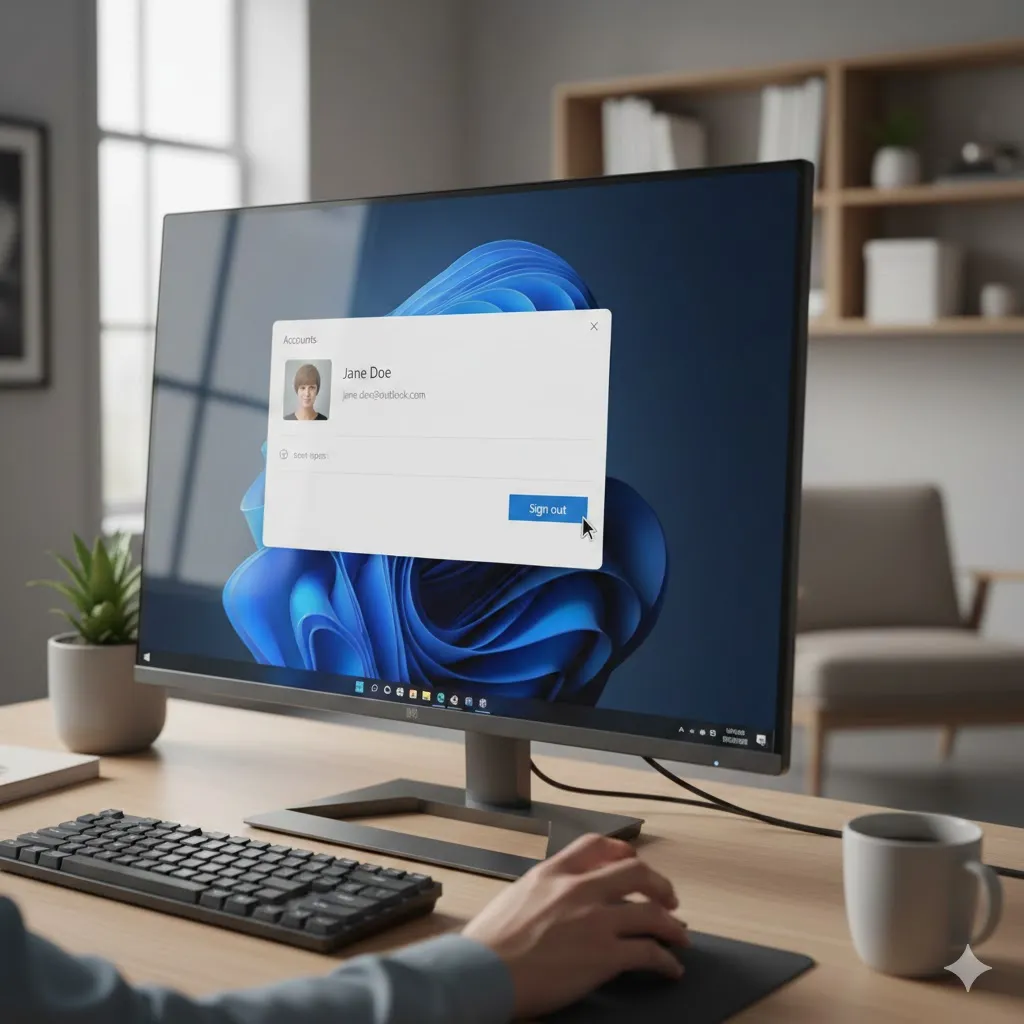
If only Microsoft Store apps won’t open, sign out of your Microsoft account and sign back in before reinstalling anything. Account sync issues frequently masquerade as app failures.
Check Windows security blocks
Windows Defender SmartScreen may silently block apps it doesn’t trust—especially older or lesser-known software.
Right-click the app file, open Properties, and look for an Unblock checkbox. If present, enable it and try again.
Avoid disabling security features globally. Your internal Windows security settings article covers safer, targeted adjustments.
Update Windows and app dependencies
Outdated system components can prevent apps from launching.
Ensure:
- Windows is fully updated
- Microsoft Visual C++ Redistributables are installed
- .NET Runtime versions required by the app are present
A college student in Arizona resolved repeated app failures simply by installing the missing .NET runtime the app depended on.
Conclusion
Knowing how to fix apps that won’t open on Windows means understanding that Windows is usually blocking, not breaking, your software. Once permissions, services, and dependencies align, apps almost always return to normal—without drastic measures.
FAQs
Why won’t my Windows app open but shows no error?
Background service failures or permission blocks often prevent error messages from appearing.
Do Microsoft Store apps fail differently than desktop apps?
Yes. Store apps rely more on Windows services and account synchronization.
Will reinstalling Windows fix app launch issues?
Rarely. Most issues are app-specific or service-related.
Can antivirus software stop apps from opening?
Yes, especially with older or unsigned applications.
Should I delete app data if repair fails?
Only after backing up important data. Try repair before reset.
Trusted U.S. Resources
- Microsoft Support: https://support.microsoft.com
- Microsoft Learn (Windows Troubleshooting): https://learn.microsoft.com
- CISA Cyber Safety Guidance: https://www.cisa.gov