
When your laptop suddenly can’t find any WiFi networks, it can feel like everything stops. Work, study, streaming—none of it works without a connection. In Windows 10 and Windows 11, the issue where WiFi does not appear at all is surprisingly common, but in most cases, it’s fixable without replacing hardware.
This guide explains why laptop WiFi goes missing and how to fix it using proven methods that still work in 2026.
Why WiFi disappears on a laptop
When WiFi doesn’t show up, it usually means Windows can’t communicate with the wireless adapter. That doesn’t always mean the adapter is broken.
A real-life scenario: a student opens their laptop after a Windows update and notices the WiFi icon is gone. Ethernet works, but wireless options have vanished. In many cases like this, the problem is a disabled adapter, corrupted driver, or network service that failed to start.
Common causes include driver issues, disabled network adapters, airplane mode glitches, system updates, or hardware being turned off by software.
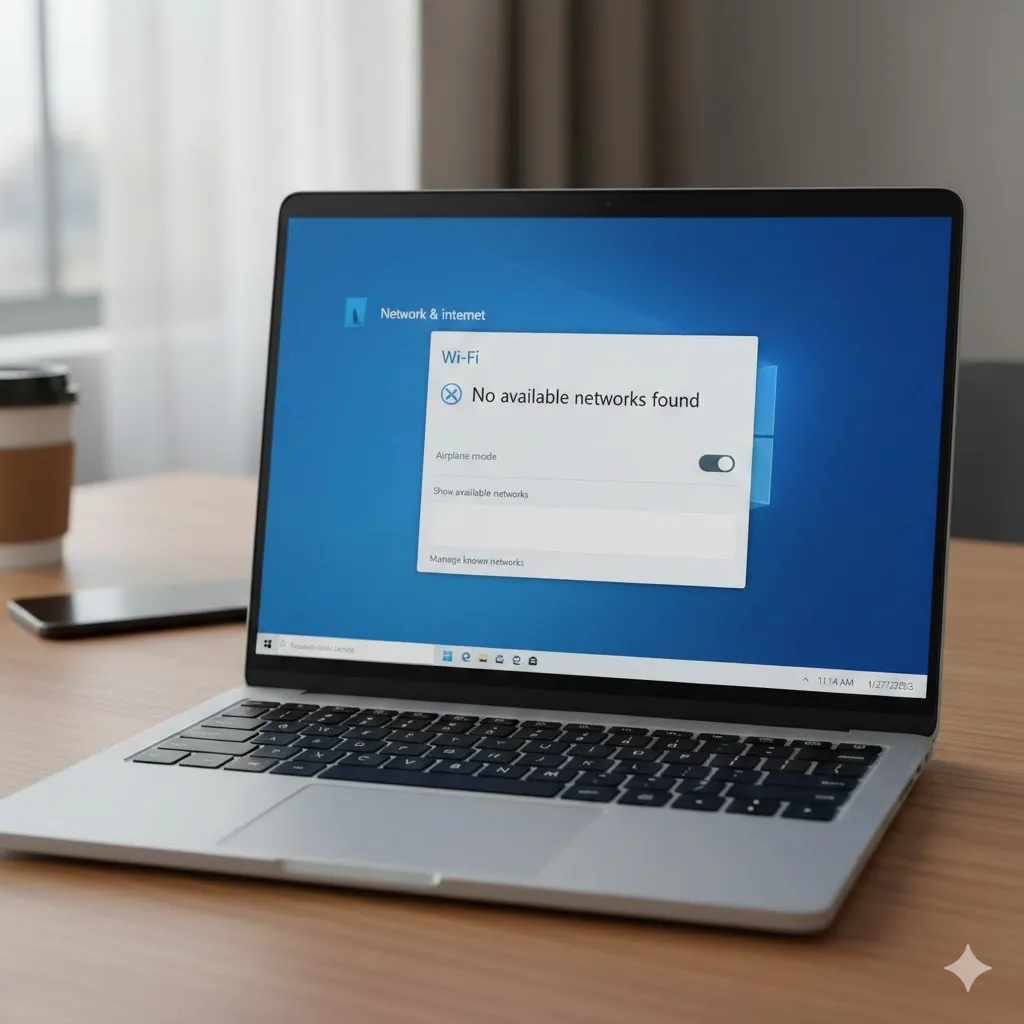
Check WiFi adapter and airplane mode first
Before assuming something serious is wrong, start with the basics. Sometimes the fix is surprisingly simple.
Make sure airplane mode is turned off. Then check whether the WiFi adapter is enabled in Windows network settings or Device Manager. On many laptops, WiFi can also be disabled by a function key or physical switch.
| Check area | What to look for | Why it matters |
|---|---|---|
| Airplane mode | Must be turned off | Disables all wireless radios |
| Network adapter | WiFi enabled | Disabled adapters won’t appear |
| Function keys | WiFi shortcut key | Can disable WiFi instantly |
These quick checks resolve a large percentage of “WiFi not showing” cases.
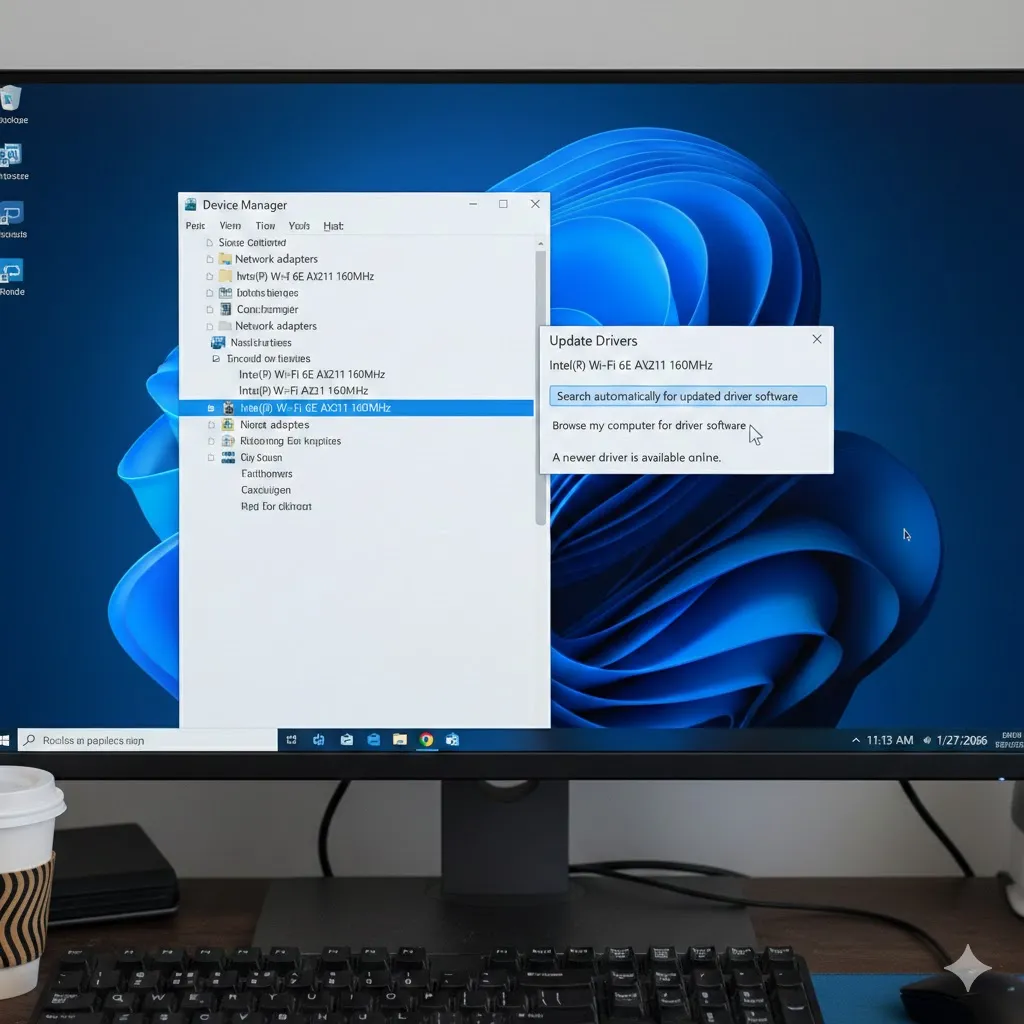
Update or reinstall the WiFi driver
WiFi drivers are one of the most common failure points, especially after Windows updates.
For example, a Windows 11 user updates the system overnight. The next morning, WiFi is gone. The driver is still listed but marked with a warning symbol. Reinstalling the correct driver from the laptop manufacturer restores WiFi immediately.
Always download WiFi drivers from the official laptop or adapter manufacturer. Avoid third-party driver tools, as they often install incompatible versions.
Reset network settings in Windows
If the adapter exists but still doesn’t work, a network reset can help. This clears saved networks, resets adapters, and restarts network services.
This step is especially effective when WiFi disappears after VPN use, system tweaks, or corrupted network configurations. You’ll need to reconnect to WiFi networks afterward, but many users see instant results.
Disclaimer
This content is for general informational purposes only and does not provide financial, legal, medical, or investment advice.
Pro Insight
If WiFi disappears right after a Windows update, the issue is often driver compatibility—not hardware failure. Rolling back or reinstalling the driver is usually faster than deeper troubleshooting.
Quick Tip
If WiFi is missing everywhere in Windows settings, boot into Safe Mode. If it appears there, the problem is almost always software-related.
Check hardware and BIOS settings
In rare cases, WiFi may be disabled at a deeper level.
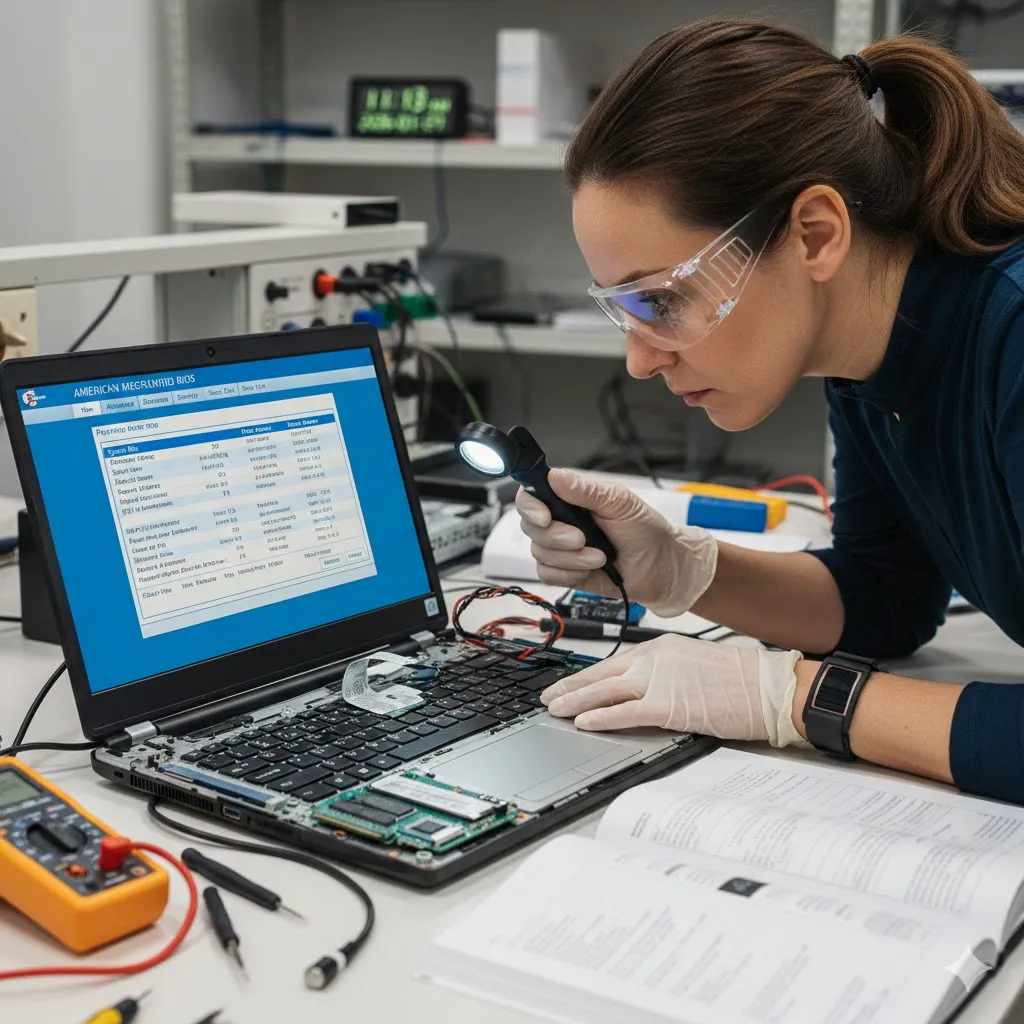
Some laptops allow wireless devices to be disabled in BIOS or UEFI settings. Hardware issues can also cause WiFi to vanish, especially if the laptop was dropped or overheated.
A practical example: a laptop that works only with Ethernet and never shows WiFi, even in BIOS diagnostics, may have a disconnected or failed wireless card.
If software fixes fail, checking BIOS settings or testing with a USB WiFi adapter can help confirm whether the issue is hardware-related.
Frequently asked questions about laptop WiFi not showing
Why does my laptop say no WiFi networks available?
This usually means the WiFi adapter is disabled, missing a driver, or not detected by Windows.
Can a Windows update remove WiFi?
Yes. Updates can replace or break drivers, causing WiFi to disappear until the correct driver is installed.
Does resetting Windows fix WiFi issues?
In many cases, yes—but it should be a last resort after trying driver and network fixes.
Can overheating affect WiFi?
Yes. Overheating can temporarily disable wireless components or cause instability.
How do I know if my WiFi card is broken?
If WiFi never appears in Device Manager or BIOS, hardware failure is more likely.
Trusted U.S. sources
- https://learn.microsoft.com/windows/client-management/troubleshoot-network-connection-issues
- https://support.microsoft.com/windows
- https://www.consumerreports.org/electronics-computers/computer-troubleshooting/
When laptop WiFi doesn’t show up, it’s rarely permanent. With a calm, step-by-step approach, most users can restore wireless connectivity without repairs or replacement.